

Best Top-Rated Educational Games 2026






Parents often seek ways to make learning enjoyable for their children. In 2026, best top-rated educational games stand out by combining play with key skills like problem-solving and creativity. These tools fit busy family schedules, offering safe spaces where kids build knowledge at their own pace. Many options focus on early development, from phonics to basic math, while others introduce real-world concepts.
Parents searching for the best top-rated educational games can explore curated resources like the best educational games online to find skill-building options for math and reading. For more engaging, hands-on play, the best interactive educational games offer immersive experiences that boost creativity and critical thinking while keeping screen time meaningful.
Discover the Best Top-Rated Educational Games 2026 - Fluvsies Academy
Benefits of Educational Games for Young Minds

Kids thrive when play feels like discovery. The best top-rated educational games help develop focus and emotional awareness alongside academic basics. Some build vocabulary through stories, while others strengthen logic with puzzles. Parents notice improved confidence as children tackle challenges independently. Safe environments ensure positive experiences, free from distractions. Integrating such activities into daily routines fosters a love for learning that lasts. In the world of top educational games for kids, options like these make skill-building natural and fun.
How Educational Games Support Development
From boosting attention to teaching empathy, these tools cover broad areas. Many include progress tracking, so families see growth over time. Designs often draw from child psychology, promoting healthy habits like mindfulness. Real-job simulations introduce practical knowledge, preparing kids for future interests. Versatile formats work on tablets or phones, making them accessible anywhere.
1. Fluvsies Academy - Best Top-Rated Educational Game
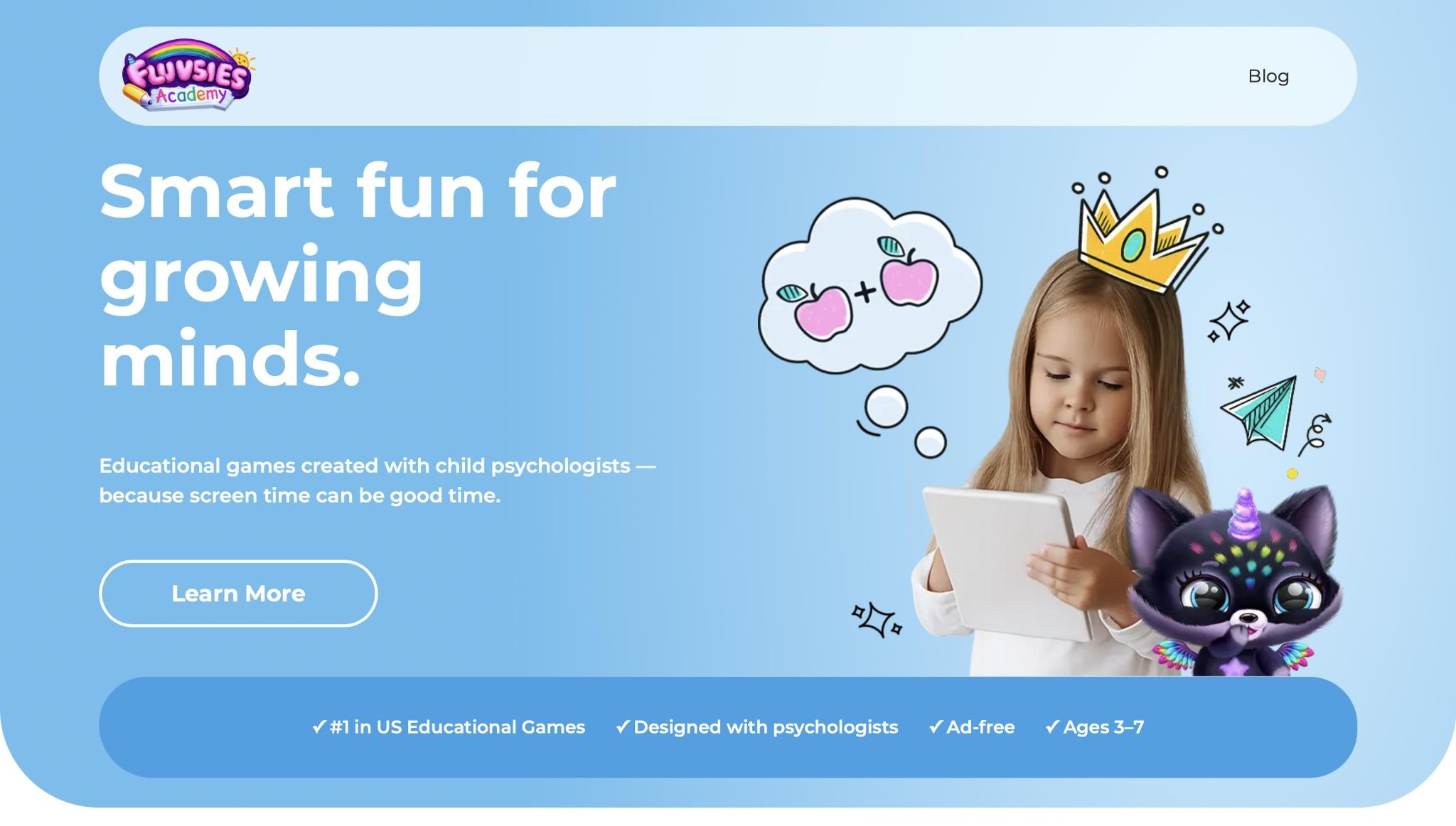
This app turns everyday play into meaningful lessons for kids ages 3 to 7. Ad-free and crafted with input from child psychologists, it guides young learners through language, phonics, numbers, logic, sorting, and life skills. Professions mode lets children step into roles like baker or astronaut, expanding vocabulary and sparking imagination. Progress reports keep parents in the loop, showing how activities build focus, empathy, and emotional safety.
Kids explore puzzles, stories, and yoga sessions that blend fun with growth. Unique features like teeth-brushing games teach healthy routines in a playful way. Free printables extend the experience offline. Based in a creative hub, this app stands out for its holistic approach, helping children develop hearts and minds together. What sets it apart is the seamless mix of academics and real-world play, making every session feel like an adventure.
- Key pros include interactive professions that build real vocabulary, ad-free play for undivided attention, and mindfulness tools that promote calm.
- Standout features cover language games that boost phonics skills, logic activities that sharpen problem-solving, and life skills sections that encourage independence.
- Facts and information highlight its ranking as a top choice in US educational games, with content tailored for preschoolers to foster empathy and creativity through guided exploration.
Discover Fluvsies Academy
Fluvsies Academy is a leading educational app designed for children aged 3–7. It transforms screen time into meaningful learning through fun, interactive games. Developed in collaboration with child psychologists, the app focuses on holistic development.
Key Features
- Ad-free environment for safe play.
- Games covering language, phonics, math, and logic.
- Activities for attention, sorting, and creativity.
- Real-world life skills like healthy habits and mindfulness.
- Exploration of professions to build vocabulary and imagination.
Educational Approach
Fluvsies Academy emphasizes guided play that balances focus, empathy, and emotional safety. It's the first holistic learning app for kids, ranked #1 educational game in the US. Progress reports help track your child's growth. Free printables extend learning beyond the screen.
Benefits for Families
Parents gain peace of mind with expert-backed games.
Kids build confidence, skills, and a love for learning. Ideal for preschoolers seeking joyful education.
Download Fluvsies Academy today and watch your child thrive!
2. TutoClub
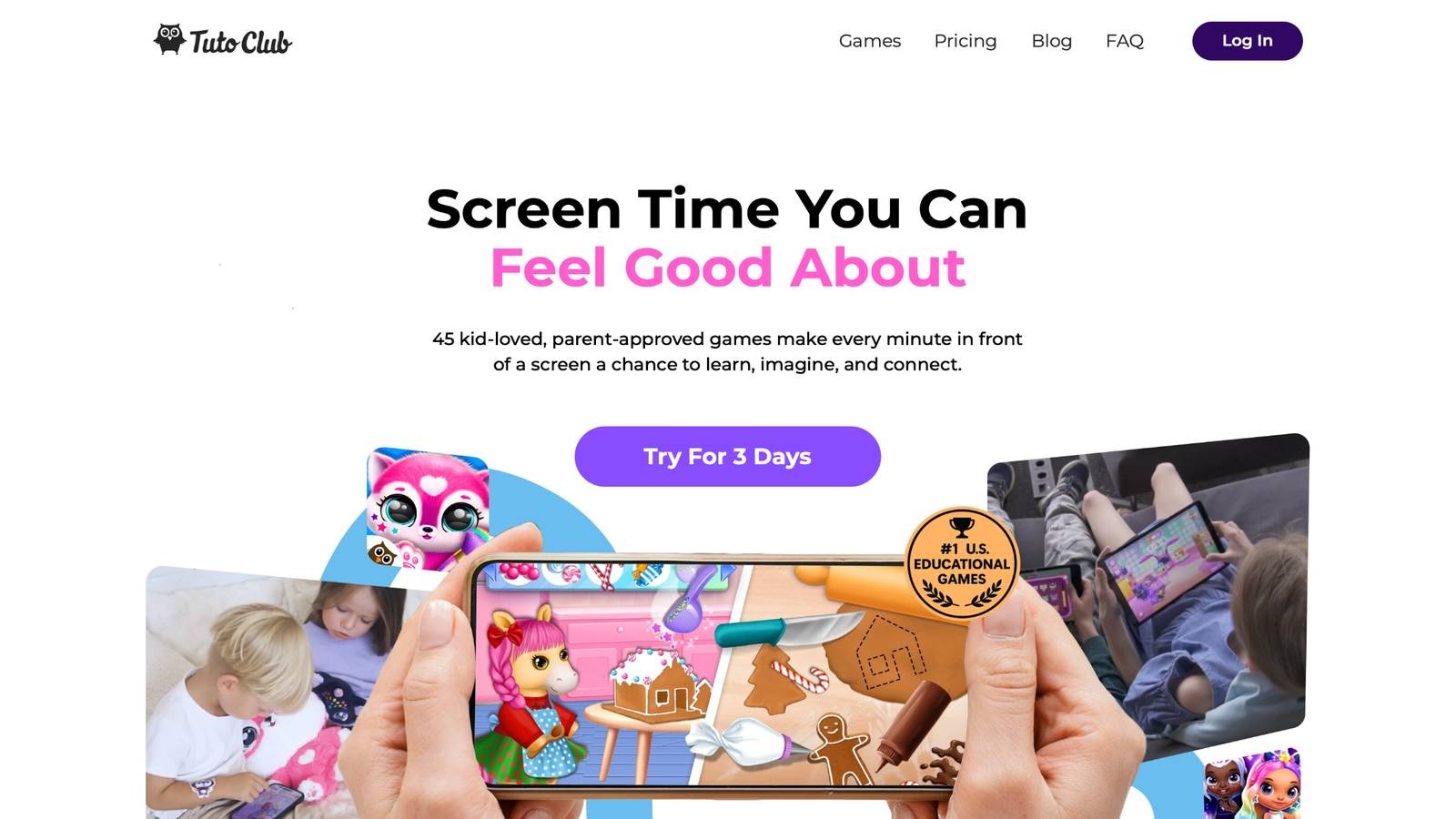
TutoClub provides a collection of over 45 games aimed at kids, blending creativity with skill-building in a safe space. Ad-free and backed by research, it helps children develop focus, social awareness, and emotional tools through interactive play. Families appreciate the balance it brings to screen time, with activities that encourage teamwork and imagination.
While strong in group play options, it sometimes overlaps games, which can feel repetitive for solo users. Headquarters not specified, but it fits well for parents seeking variety in one subscription. The platform shines in fostering healthy habits, though navigation could be smoother for younger kids. Overall, it offers solid engagement for building key abilities like problem-solving and empathy.
- Key features: Interactive adventures for creativity, group activities for social skills, tools for emotional growth.
- Facts and information: Many parents choose it for balanced play that supports family routines and skill development.
3. ABCmouse
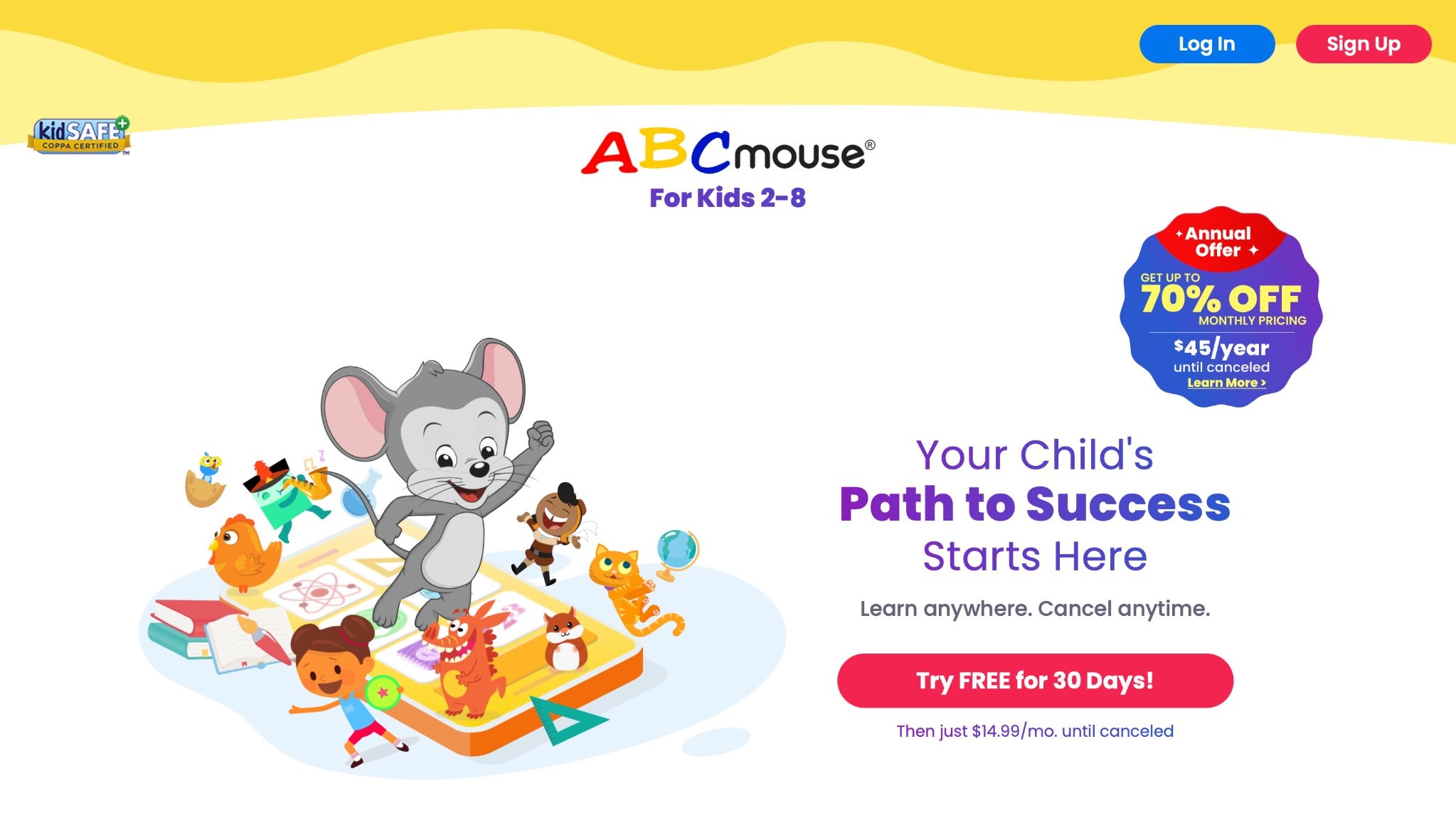
ABCmouse delivers a full curriculum for ages 2 to 8, covering reading, math, science, and art in a step-by-step path. Kids follow lessons through activities, videos, and books that bring concepts to life. It adapts to each child's level, building foundational skills progressively.
Some find the structure rigid, limiting free exploration, but it excels in organized learning. Based in the US, it appeals to families wanting a school-like setup at home. Strengths lie in its vast library, though it may overwhelm beginners. A reliable pick for early academics.
- Key features: Step-by-step paths for subjects, interactive books and videos, adaptive lessons.
- Facts and information: Many use it for preschool prep, with content that grows with the child.
4. Khan Academy Kids
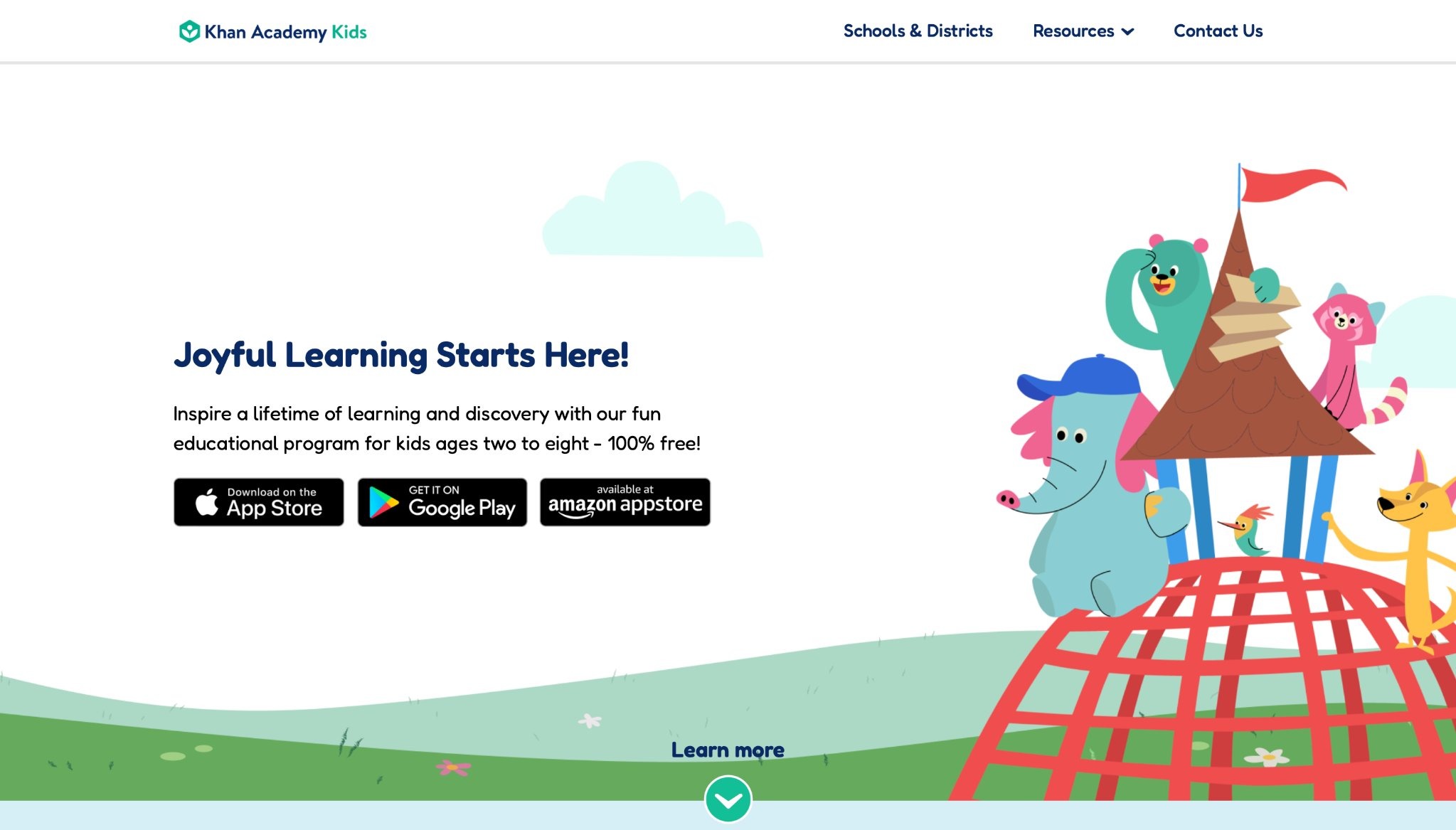
Khan Academy Kids offers free lessons for ages 2 to 8, focusing on literacy, math, and problem-solving with adaptive tech. Characters guide kids through stories, songs, and games that adjust to their pace. It promotes independence with no ads or purchases. While comprehensive, some sections feel basic for older users. Created by a nonprofit in Mountain View, California, it emphasizes accessible education. Strengths include diverse topics, but it lacks depth in creative arts. A go-to for budget-friendly learning.
- Key features: Adaptive activities, character-led stories, offline options.
- Facts and information: Some families rely on it for daily skill practice without extra costs.
5. Duolingo
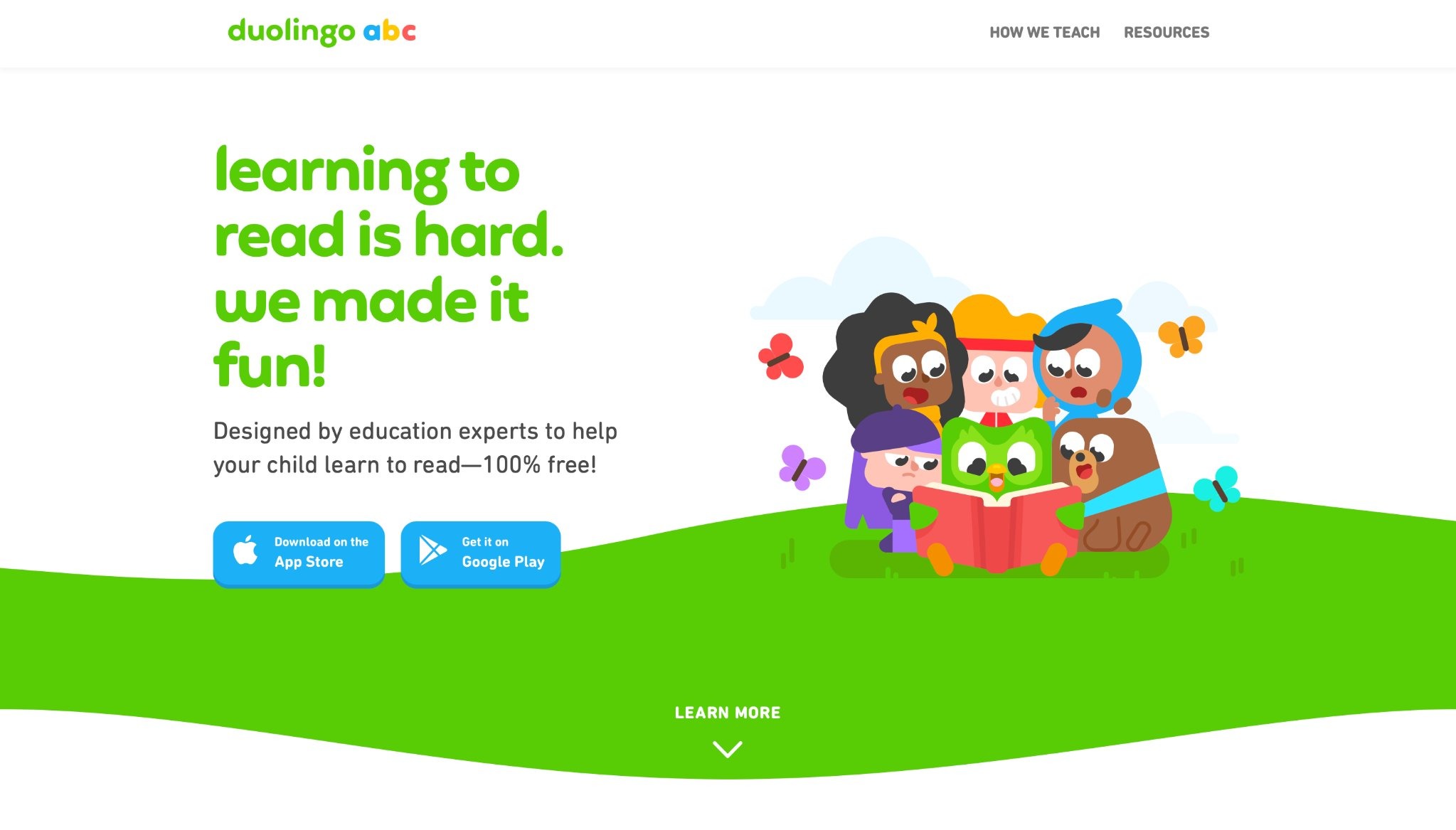
Duolingo teaches languages through bite-sized lessons and games for kids and adults. It uses streaks and rewards to keep users motivated, covering vocabulary, grammar, and speaking. Fun characters make practice engaging. However, it can feel repetitive, and progress tracking is simple. Based in Pittsburgh, Pennsylvania, it suits beginners well. Strengths in quick sessions, though advanced users may want more challenge. Popular for casual language intro.
- Key features: Daily goals, interactive stories, speaking exercises.
- Facts and information: Many start languages young with its game-like format.
6. Prodigy Math Game
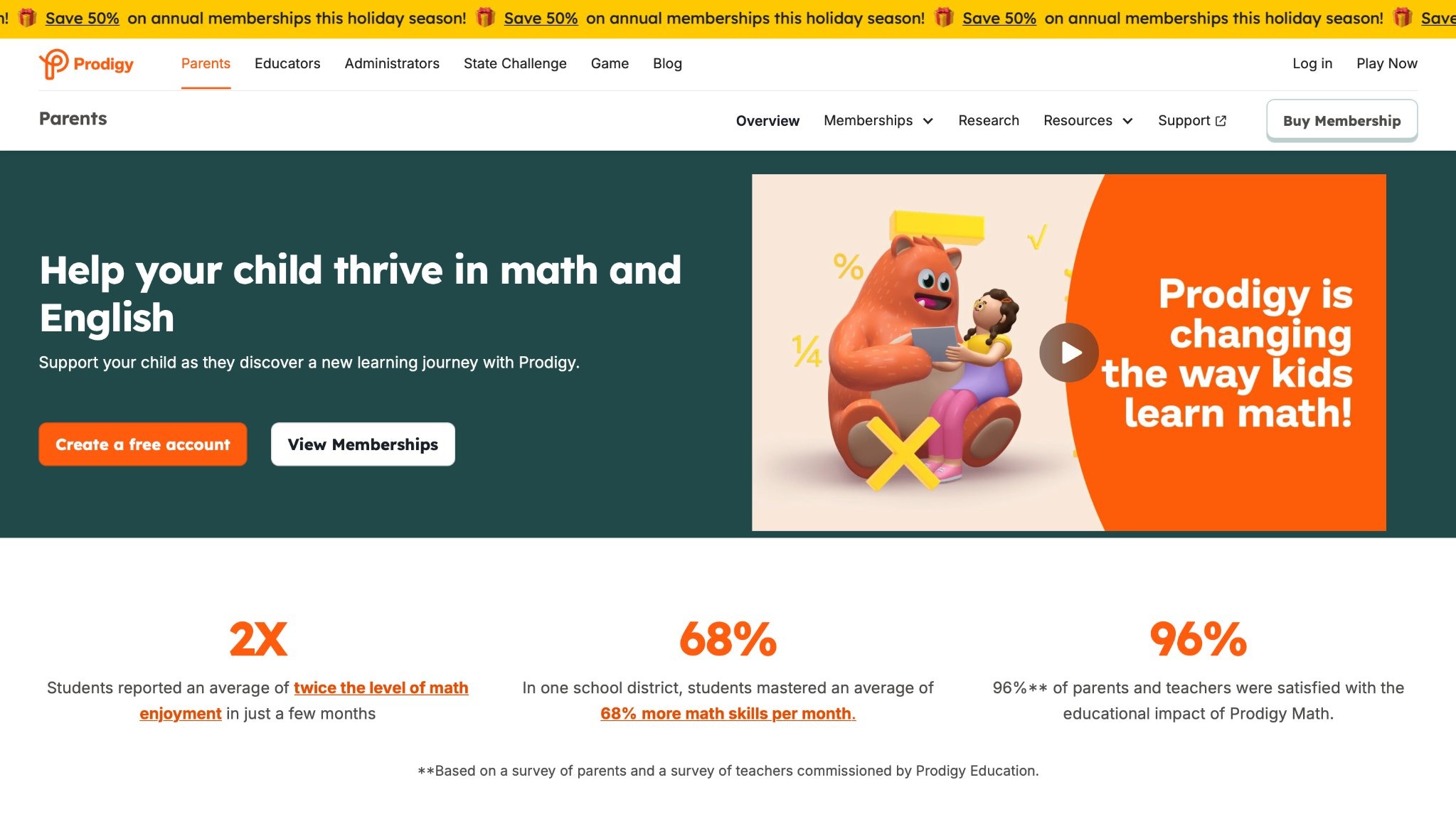
Prodigy turns math into an adventure for grades 1 to 8, with battles and quests that practice skills. It aligns with school standards, adjusting difficulty automatically. Kids customize avatars and earn rewards. Some note it focuses heavily on combat, which might distract from pure learning. Based in Canada, it integrates well with classrooms. Strengths in engagement, but variety in topics is limited. A favorite for math enthusiasts.
- Key features: Quest-based gameplay, adaptive questions, teacher tools.
- Facts and information: Some schools use it to reinforce lessons interactively.
7. Lingokids
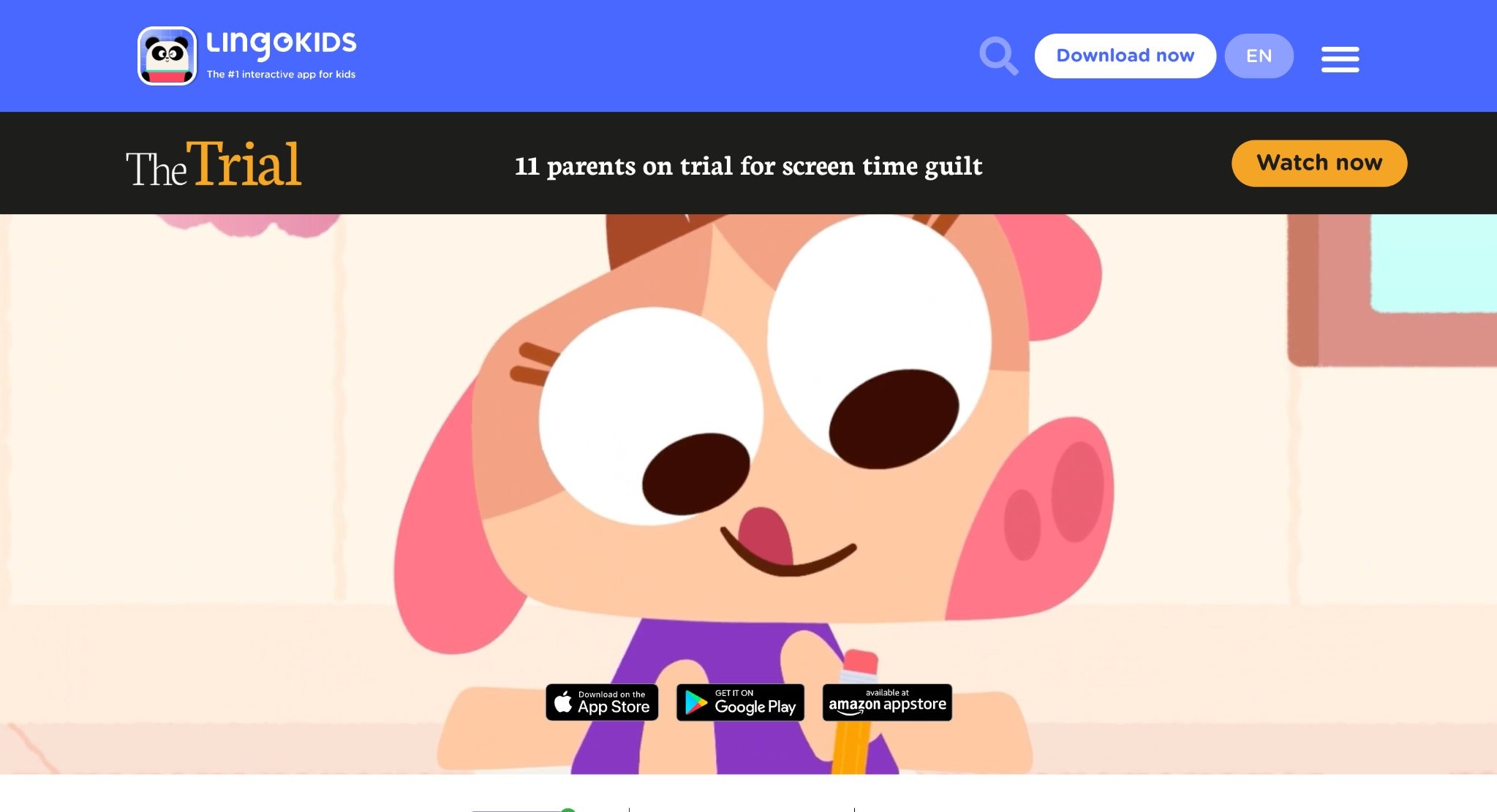
Lingokids targets ages 2 to 8 with games in English, math, and science, trusted by many families globally. Songs, videos, and activities build skills playfully. It includes offline mode for travel. Navigation can be tricky for toddlers, and content repeats occasionally. Headquarters in Spain, it emphasizes global learning. Strengths in multimedia, though depth varies. Solid for early multilingual exposure.
- Key features: Songs and videos, themed units, parent reports.
- Facts and information: Many appreciate its focus on safe, global content.
8. SplashLearn
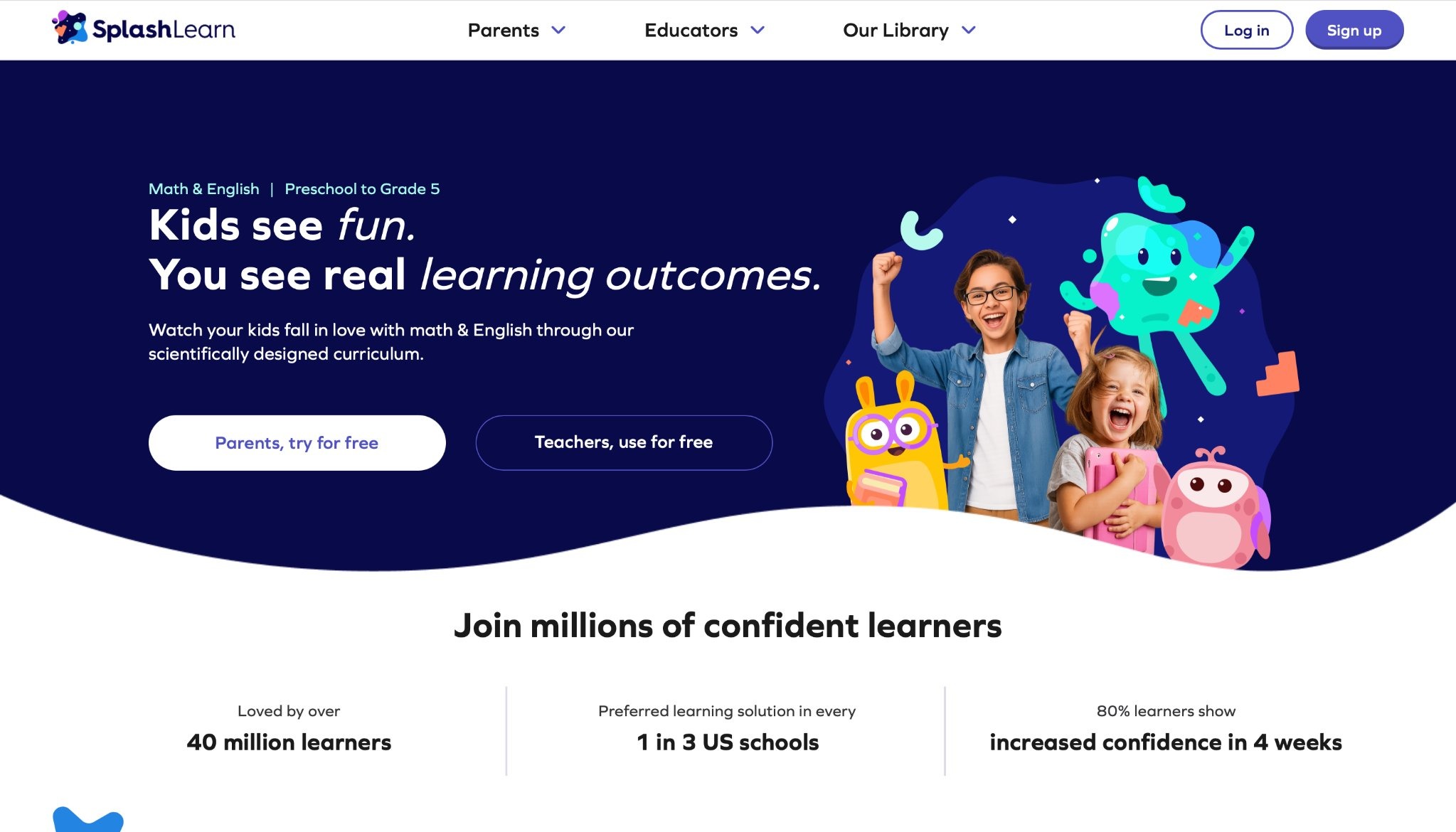
SplashLearn covers math and reading for pre-K to grade 5, with games that reward progress. It tracks growth and suggests activities. Vibrant visuals keep kids hooked. Some find rewards overwhelming, pulling focus from core skills. Based in India, it supports classroom use. Strengths in curriculum alignment, but reading sections are lighter. Useful for targeted practice.
- Key features: Reward system, progress dashboards, live classes option.
- Facts and information: Some parents integrate it into homework routines.
9. Endless Alphabet
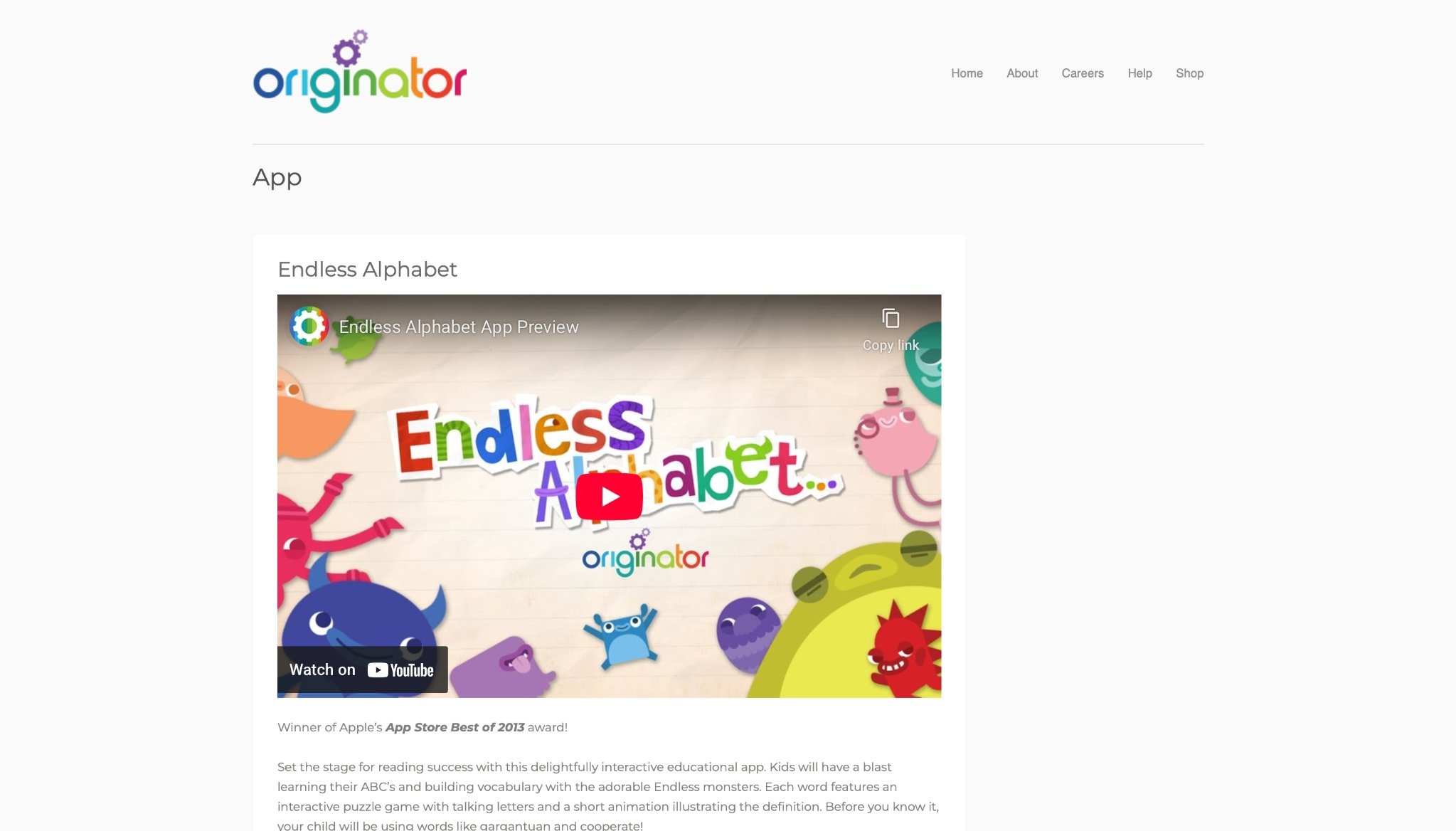
Endless Alphabet introduces words through monsters and animations for preschoolers. Kids drag letters to form terms, learning definitions interactively. It's ad-free and encourages exploration. Limited to vocabulary, so it pairs well with other apps. Created in the US, it delights with humor. Strengths in phonics, though no tracking features. Charming for word lovers.
- Key features: Animated definitions, letter puzzles, monster characters.
- Facts and information: Many use it for early reading foundations.
10. PBS Kids Games
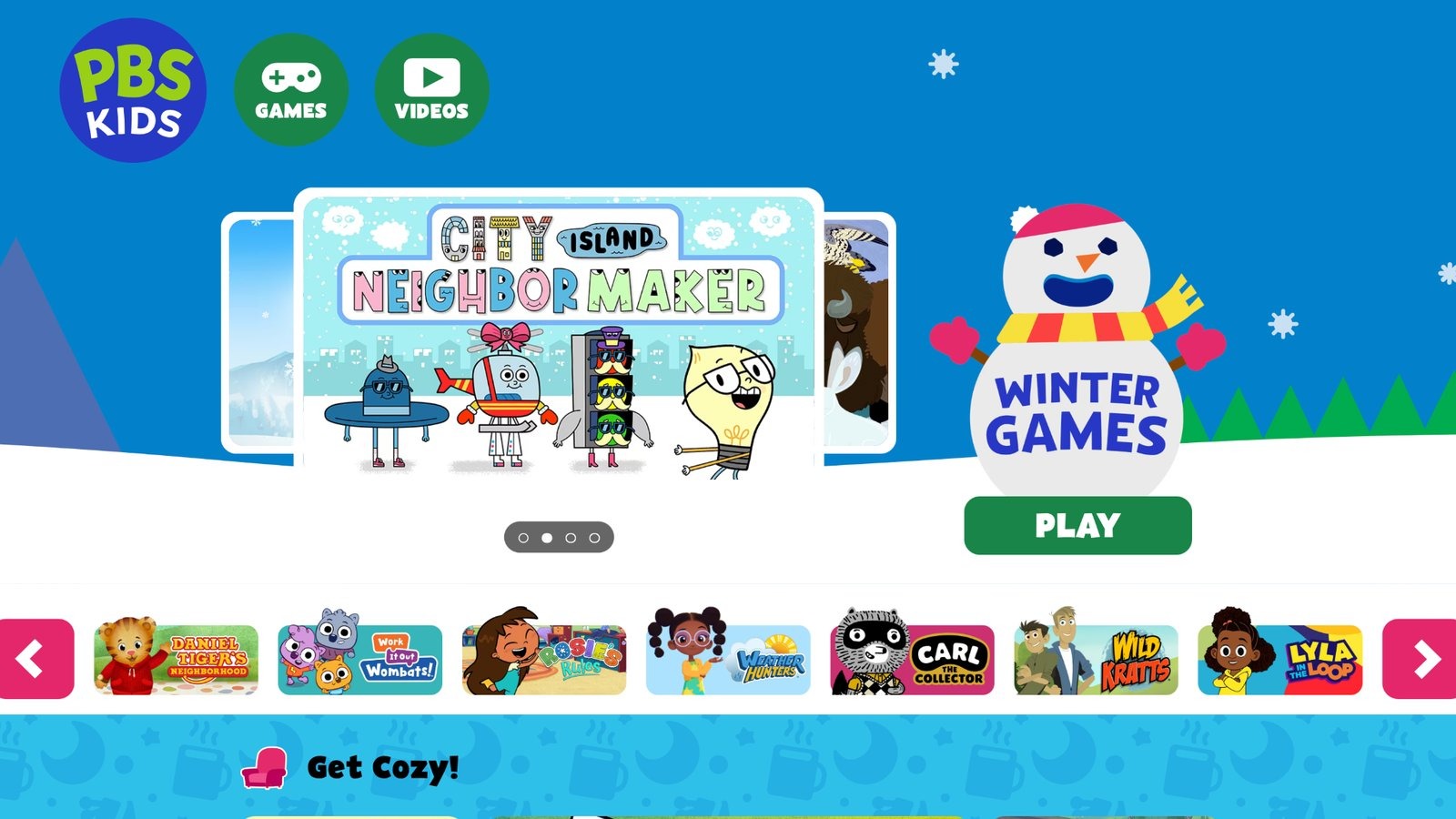
PBS Kids Games draws from shows like Sesame Street, offering activities in science, reading, and creativity. It's free and ad-free, with familiar characters. Suited for ages 2 to 8. Some games feel short, lacking depth for repeat play. Based in Arlington, Virginia, it promotes public education. Strengths in trusted content, but variety depends on updates. A staple for character-based learning.
- Key features: Show tie-ins, creative tools, seasonal themes.
- Facts and information: Some families enjoy its connection to TV for consistent themes.
11. BrainPOP
BrainPOP provides animated movies and quizzes on science, history, and more for grades 3 to 12. It explains complex ideas simply. Interactive elements reinforce understanding. Can be lecture-like, less engaging for active players. Based in New York City, it serves schools. Strengths in topics, though younger kids may need guidance. Valuable for subject dives.
- Key features: Movies with quizzes, experiments, coding basics.
- Facts and information: Many classrooms use it for supplemental explanations.
12. Starfall
Starfall offers a vibrant platform packed with games, movies, books, and music tailored for young learners. It started as a free service in 2002 to help kids read, growing into a full curriculum for language arts and math. Children interact with untimed activities that engage senses through sight, sound, and touch, building phonics, sight words, and basic math skills. The design encourages exploration and play, boosting confidence without pressure. Many families and schools use it for its alignment with state standards, making it ideal for emergent readers or those with learning challenges.
While the free version is robust, some advanced content requires membership, which might limit access for budget-conscious users. Overall, it shines in creating motivated learners who see education as fun. Headquarters in the US, it focuses on privacy with no ads or data collection from kids. Strengths include its research-backed approach that supports special needs and ESL students effectively. Weaknesses involve occasional repetition in activities that could bore advanced kids.
- Key features: Interactive phonics games, animated songs for math, digital books with audio, multisensory puzzles.
- Facts and information: Many teachers integrate it into classrooms for daily skill building, with content expanding to higher grades over time.
13. Funbrain
Funbrain stands as a go-to site for free online games that cover math, grammar, science, spelling, and history. Aimed at kids from pre-K to grade 8, it mixes fun with learning through puzzles, arcade-style challenges, and quizzes tied to popular books like Diary of a Wimpy Kid. Kids can browse by grade or type, finding activities that build skills while entertaining. The platform keeps things simple and ad-supported, but ads are minimal and non-intrusive.
Strengths lie in its variety, helping reluctant learners engage without feeling like schoolwork. Some games feel dated in graphics, potentially less appealing to tech-savvy children used to modern apps. No sign-up needed, making it easy to jump in anytime. It promotes independent play, with sections for reading comics or watching educational videos. Overall, it fosters curiosity across subjects, though depth in advanced topics is light. Many parents appreciate the no-cost access for quick brain breaks that still teach.
- Key features: Grade-specific games, book-based activities, video clips for science, puzzle challenges for logic.
- Facts and information: Some schools use it for supplemental practice, with content that aligns loosely to common curricula.
14. Epic
Epic serves as a massive digital library with over 40,000 books, audiobooks, and videos to spark reading joy in kids. It caters to various interests, from fiction to facts, helping children discover new topics and build comprehension. The app adapts recommendations based on reading levels, encouraging exploration and self-growth. Strengths include its vast selection that turns reluctant readers into enthusiasts, with tools for tracking progress.
Some find the interface cluttered, overwhelming younger users who need simpler navigation. Free for educators, it fits classrooms well, while families get trial access. Content covers diverse cultures and STEM, promoting broad knowledge. It integrates quizzes to reinforce learning, though they can feel optional and skipped easily. Headquarters not specified, but it emphasizes safe, inspiring content without ads in sessions. Overall, it excels in making reading accessible and fun, supporting critical thinking through interactive elements.
- Key features: Personalized book suggestions, audiobook playback, learning videos on topics, progress badges.
- Facts and information: Many educators rely on it for remote reading assignments, with collections that grow yearly.
15. Tynker
Tynker introduces coding through gamified courses and puzzles, starting with blocks for beginners and advancing to languages like Python and JavaScript. For ages 5 to 18, it builds logic, creativity, and problem-solving with themes like Minecraft mods or AI projects. Kids create games, apps, and art, sharing in a safe community. Strengths highlight its progression system that boosts confidence, with tutorials that make complex ideas approachable.
Some courses overlap, causing redundancy for quick learners. Mobile-friendly, it works on devices for flexible use. Endorsed for AP prep, it aligns with school standards. Headquarters not mentioned, but it serves global schools. The platform encourages innovation, like designing drones or web pages, though advanced features need guidance. Overall, it prepares kids for tech futures while keeping sessions engaging and fun.
- Key features: Block-to-text coding transition, Minecraft integration, AI and machine learning basics, project sharing.
- Facts and information: Many students use it for STEM clubs, with content that supports creative expression.
16. Code.org
Code.org provides free computer science curricula with AI integration for K-12, teaching coding basics through puzzles and projects. It demystifies AI, showing how machines learn and decide, with hands-on activities like ocean cleanup simulations. Strengths include its broad reach, empowering teachers with ready lessons that fit any subject.
Some find the pacing slow for gifted students, requiring supplements. No cost makes it accessible worldwide. Headquarters in the US, it advocates for policy changes in education. The platform builds agency, with videos on ethics and neural networks. It supports diverse learners, though tech access varies. Overall, it inspires curiosity in tech, preparing kids for an AI world.
- Key features: AI training models, coding hours, ethical discussions, cross-subject integration.
- Facts and information: Some districts adopt it fully, with resources that evolve with tech trends.
17. Scratch
Scratch, from MIT, lets kids create stories, games, and animations using drag-and-drop blocks. For ages 8 to 16, it teaches programming concepts like loops and variables without syntax errors. Users remix projects in a global community, fostering collaboration. Strengths are its creativity focus, helping kids express ideas freely.
The open nature can expose to varied content, needing supervision. Free and browser-based, it's easy to start. Headquarters in Cambridge, Massachusetts, it promotes sharing and learning from peers. Tutorials guide beginners, though advanced users seek more tools. Overall, it builds computational thinking through play.
- Key features: Block coding, project remixing, community galleries, animation tools.
- Facts and information: Many classrooms use it for intro coding, with events that encourage participation.
18. Minecraft Education
Minecraft Education transforms the popular game into a learning tool, where kids build worlds to explore subjects like history or science. For school ages, it supports collaboration on projects and challenges. Strengths include immersive engagement that motivates attendance and teamwork. Device requirements can limit access in some settings.
Licensed through Microsoft, it's secure with teacher controls. Headquarters not specified, but tied to Microsoft in Redmond, Washington. Updates add features like copper builds. It fosters critical thinking, though unstructured play might distract. Overall, it makes abstract concepts tangible.
- Key features: Lesson libraries, multiplayer worlds, build challenges, AI tools in preview.
- Facts and information: Some schools run esports with it, enhancing social skills.
19. DragonBox
DragonBox apps teach math through games, covering algebra, geometry, and numbers for ages 4 to 8+. Kids solve puzzles that reveal equations subtly. Strengths lie in making abstract math intuitive and fun, building deep understanding. Short sessions might not suit extended learning. No HQ mentioned. The method activates motivation then applies skills. It wins awards for innovation. Overall, it empowers kids to grasp tough topics early.
- Key features: Puzzle-based learning, progression levels, chess integration, geometry proofs.
- Facts and information: Many parents note quick concept mastery, with apps that self-teach.
20. Hopscotch
Hopscotch is a coding app where kids make games and art using blocks on iOS. For ages 8+, it teaches logic with characters and rules. Strengths include creative freedom, exporting projects to share. Limited to Apple devices restricts use. No HQ listed. Community inspires with user creations. It builds sequencing skills, though no formal curriculum. Overall, it sparks programming interest playfully.
- Key features: Drag-and-drop coding, character animations, project publishing, tutorial videos.
- Facts and information: Some use it for home coding intro, with updates adding features.
21. Homer Learn & Grow
Homer offers personalized reading paths with games, stories, and activities for ages 2 to 8. It covers phonics, sight words, and comprehension. Strengths in adaptive learning that tracks progress effectively. Some content repeats for mastery, feeling stagnant. HQ not specified. Parent dashboards show growth. It blends tech with offline ideas. Overall, it builds strong literacy foundations.
- Key features: Customized lessons, interactive stories, progress reports, drawing tools.
- Facts and information: Many families pair it with schoolwork for reading boosts.
22. Busy Shapes
Busy Shapes is an engaging puzzle app designed for toddlers and preschoolers, focusing on developing cognitive skills through interactive shape manipulation. Inspired by Montessori methods, it encourages kids to experiment with shapes in a digital environment that mimics real-world play. Children slide, rotate, and match shapes to fit into holes, progressing through levels that increase in complexity. The app features vibrant visuals and soothing sounds, creating a calm learning atmosphere. It supports multitouch, allowing multiple fingers to interact simultaneously, which is great for fine motor development. With 150 incremental levels, it covers basic geometry, colors, and problem-solving.
Strengths include its intuitive interface that lets kids learn through trial and error without frustration, promoting independence and logical thinking. Some levels might feel similar after extended play, potentially reducing novelty for repeat users. No ads or in-app purchases interrupt the experience, making it safe for young children. Headquarters in France, it draws from educational research to foster early STEM interest. The app adapts to the child's pace, offering modes like shapes only, colors only, combined, or focus challenges. This helps build spatial awareness and hand-eye coordination in a fun, pressure-free way. Parents can track progress subtly, ensuring skills like sorting and matching are reinforced naturally.
- Key features: Shape matching puzzles, color recognition activities, multitouch interactions, progressive difficulty levels.
- Facts and information: Many educators use it in preschools for introducing basic concepts, with content that supports Montessori-inspired learning.
23. MarcoPolo Ocean
MarcoPolo Ocean invites young explorers to dive into underwater adventures, building knowledge about marine life and ecosystems through hands-on creation. Kids construct coral reefs, assemble sea creatures, and design submarines, learning vocabulary like "dolphin" or "octopus" along the way. The app combines free play with guided puzzles, narrated animations that explain ocean facts in simple terms. It covers topics from marine mammals to deep-sea vessels, encouraging curiosity about the natural world. Strengths shine in its open-ended design, allowing children to experiment without rules, which boosts creativity and retention of science concepts.
Some activities lack depth for older preschoolers, who might crave more challenges after initial exploration. Ad-free and parent-approved, it promotes self-directed discovery. No headquarters specified, but it's praised for its educational alignment with early learning standards. Features include building aquariums and exploring habitats, with colorful graphics that make learning immersive. Kids can make animals swim or jump, reinforcing cause-and-effect understanding. This app stands out for blending play with real-world knowledge, helping children develop language skills while fostering a love for biology. It's ideal for sparking discussions about the environment at home or in classrooms.
- Key features: Coral reef building, sea creature assembly, submarine design, narrated ocean facts.
- Facts and information: Many families integrate it into nature-themed lessons, with updates adding new marine elements.
24. Sago Mini World
Sago Mini World offers a vast collection of open-ended games where preschoolers can explore whimsical worlds, from road trips to fairy tales, building emotional intelligence and problem-solving skills. With over 40 apps in one subscription, kids interact with cute characters in scenarios like driving vehicles or crafting hats, all without goals or timers. This encourages free expression and role-playing, helping develop creativity and self-confidence. The platform emphasizes child-led play, with activities that adapt to individual paces. Strengths include its safe, ad-free environment that supports diverse interests, from adventures with dinosaurs to building robots.
Some worlds might overlap in themes, leading to familiarity over time for avid users. Headquarters in Toronto, Canada, it collaborates with child development experts for holistic growth. Features range from magical trains to juice-making parties, promoting social skills through pretend play. Parents appreciate the offline access and progress tracking. This app excels in nurturing imagination, allowing kids to create stories and solve puzzles intuitively. It's perfect for reducing screen time guilt while enhancing real-world abilities like empathy and innovation. Regular updates keep content fresh, making it a staple for early education.
- Key features: Character interactions, vehicle explorations, creative crafting, adventure quests.
- Facts and information: Many parents note improved independence in play, with the app's design supporting kindergarten readiness.
25. Peekaboo Barn
Peekaboo Barn delights toddlers with a simple yet captivating farmyard experience, where tapping a bouncing red barn reveals hidden animals and their sounds. It teaches animal names and noises in a repetitive, engaging format, available in 12 languages for multilingual exposure. Kids guess who's inside by listening to clues like moos or quacks, then see the creature pop out with a friendly voice announcing it. The app includes seasonal variations, like snowy barns in winter, adding variety.
Strengths lie in its minimalistic design that builds vocabulary and auditory skills without overwhelming young minds, perfect for first-time app users. Limited to farm themes, it might not hold attention as long for children seeking broader topics. No ads ensure uninterrupted fun. Headquarters in Portland, Oregon, it's expanded into books and physical games. Features night mode where animals sleep, teaching routines. This nurtures literacy by associating sounds with words, fostering joy in discovery. Parents can record custom voices for personalization. Ideal for building essential early skills like focus and memory, it honors childhood curiosity in a guilt-free digital space.
- Key features: Animal sound guesses, name narrations, barn tapping interactions, multilingual options.
- Facts and information: Many use it for introducing words to infants, with its timeless appeal spanning years.
26. Osmo
Osmo transforms tablets into interactive learning stations by combining physical pieces with digital games, covering subjects like math, coding, and art for ages 3 to 12. Using a reflective mirror over the camera, it detects tangibles like tiles or blocks, bringing drawings or puzzles to life on screen. Kids solve math problems with number pieces, code with command blocks, or create masterpieces that animate. Strengths highlight its hybrid approach, blending hands-on play with tech for deeper engagement and skill-building in areas like spelling and physics.
Setup requires compatible devices, which might limit accessibility in some homes. Headquarters in Palo Alto, California, it's teacher-endorsed for classrooms. Features include adaptive feedback that encourages trial without correction, promoting independence. Games like Pizza Co. teach economics through role-play. This system bridges physical and virtual worlds, enhancing fine motor and critical thinking. Parents value the no-screen-staring focus, making learning collaborative. With updates adding AI elements, it prepares kids for future tech while keeping play fun and educational.
- Key features: Tangible puzzles, coding blocks, drawing animations, multiplayer challenges.
- Facts and information: Some classrooms incorporate it for group learning, boosting social and cognitive growth.
27. Lightbot
Lightbot introduces programming logic through robot puzzles, where kids command a bot to light up tiles using icons for moves like forward, turn, or jump. For ages 8 and up, it progresses from basics to advanced concepts like loops and conditionals across 40 levels. The cheerful graphics and intuitive drag-and-drop make coding accessible without typing. Strengths include its puzzle format that builds procedural thinking and problem-solving, engaging even non-tech-savvy children.
Basic visuals might seem outdated compared to flashier apps, potentially less appealing visually. No headquarters listed, but it's widely used in education. Features stars for efficient solutions, encouraging optimization. This app demystifies coding by focusing on logic over syntax, preparing for languages like Python. Kids learn to debug and refactor intuitively. It's great for classrooms or home, with versions for younger users. The game's addictive quality keeps learners motivated, fostering a growth mindset through challenges.
- Key features: Command sequencing, loop introductions, conditional puzzles, efficiency rewards.
- Facts and information: Many schools start coding units with it, noting quick grasp of fundamentals.
28. CodeCombat
CodeCombat turns coding into epic adventures, where players type real Python, JavaScript, or other languages to battle foes and complete quests. For K-12, it covers web development, game design, and AI, with levels that teach syntax and concepts progressively. The narrative-driven gameplay motivates through stories and esports modes. Strengths in its authentic coding experience that builds transferable skills, with tools for teachers to track progress.
Steep learning curve for absolute beginners might require initial support. No headquarters specified, but it serves global users. Features include project creation and competitive arenas, aligning with standards. This platform empowers students to create games and sites, enhancing computational thinking. Regular updates add AI literacy, preparing for tech careers. It's ideal for self-paced or class use, making programming exciting and relevant.
- Key features: Quest-based coding, syntax tutorials, AI integrations, esports competitions.
- Facts and information: Some districts adopt it for CS curricula, highlighting student motivation gains.
Tips for Integrating Games into Daily Routines
- Set short sessions to keep energy high.
- Pair games with offline activities, like drawing what kids learned.
- Rotate options to maintain interest.
- Balance with physical play for well-rounded days.
Future Trends in Kids' Learning Apps
- Apps increasingly use adaptive tech to personalize paths.
- Focus shifts to emotional skills alongside academics.
- Augmented reality adds immersion, like virtual field trips.
- Safe data practices gain priority.
- Expect more family-sharing features.
FAQ
What makes educational games effective for preschoolers?
Educational games succeed with preschoolers by mixing play with hands-on discovery, which sparks curiosity and helps build foundational abilities like memory retention and attention span. They encourage creative thinking through activities that let kids experiment and solve simple problems, fostering independence in a low-pressure way. Group elements in these games teach social basics such as cooperation and communication, turning shared play into natural lessons on getting along with others.
How do top learning apps ensure child safety?
Top learning apps protect children through features like parental gates that block access to outside links or purchases without adult approval. They use content moderation to filter out inappropriate words or behaviors, keeping interactions positive and secure. Privacy settings limit data collection to essentials, with strong safeguards to store information safely and prevent sharing with outsiders.
Which skills do the best kids' games target in 2026?
Best kids' games in 2026 emphasize critical thinking and decision-making by presenting challenges that require planning and quick choices in interactive worlds. They build creativity through open-ended tasks like building or storytelling, allowing children to express ideas freely. Fine motor coordination and spatial awareness improve via activities involving movement and puzzles, while teamwork shines in cooperative modes that stress communication and shared goals.
Can educational games replace traditional teaching?
Educational games enhance learning by offering immersive experiences that boost motivation and help with skills like strategic problem-solving, but they work best alongside teacher-led methods. They provide immediate feedback and repetition in a fun format, making complex ideas easier to grasp without fully standing in for structured classroom talks. Combining games with real-world applications ensures a balanced approach where guides connect digital play to broader knowledge.
Discover the Best Top-Rated Educational Games 2026 - Fluvsies Academy