

Best Kids Learning App 2026






In a world where screens are part of daily life, finding the best kids learning app can turn playtime into valuable growth moments. These tools help children build skills in math, reading, and more, while keeping things safe and ad-free. With options like Fluvsies Academy leading the way, parents can pick apps that fit their child's needs.
Parents comparing digital learning options often look at the best educational games for children alongside the best educational app for kids to evaluate features, safety, and learning value. Broader roundups of the best educational app and the best educational computer games highlight multi-subject platforms that support skill development across devices, while curated lists of the best educational games showcase engaging, curriculum-aligned screen time options.
Discover the Best Kids Learning App 2026 - Fluvsies Academy
Benefits of Kids Learning Apps

Kids learning apps bring real value by mixing fun with skill-building. They let children practice at their own pace, which builds focus and problem-solving abilities. Some apps include progress tracking, so parents see how their child improves over time. This setup creates a calm space without distractions, helping kids feel good about what they achieve.
Many parents notice their children gain empathy through caring for game characters or working on team tasks. Apps also spark creativity, like drawing or building virtual worlds, which ties into real-life play. Overall, these apps make screen time feel purposeful and positive.
The best kids learning app stands out by offering guided play that matches a child's growth stage. It covers basics like numbers and letters, plus life skills such as healthy habits. This approach keeps things balanced between focus and relaxation.
How to Pick a Good Learning App for Your Child
Start by thinking about your child's age and what they like. Look for apps that adjust to their level, so tasks feel just right, not too easy or hard. Check if the app has clear goals, like teaching letters or shapes, and avoids too much clutter on the screen. Read reviews from other parents to see if it holds attention without overwhelming.
Make sure it's safe, with no ads popping up or data sharing. Test it yourself first to spot any issues. Good apps often come from teams that work with experts in child development. When selecting, consider features like offline play for travel or family sharing across devices. The Fluvsies Academy app excels here, with its simple design and expert input.
Best Kids Learning Apps 2026
1. Fluvsies Academy - Best Kids Learning App
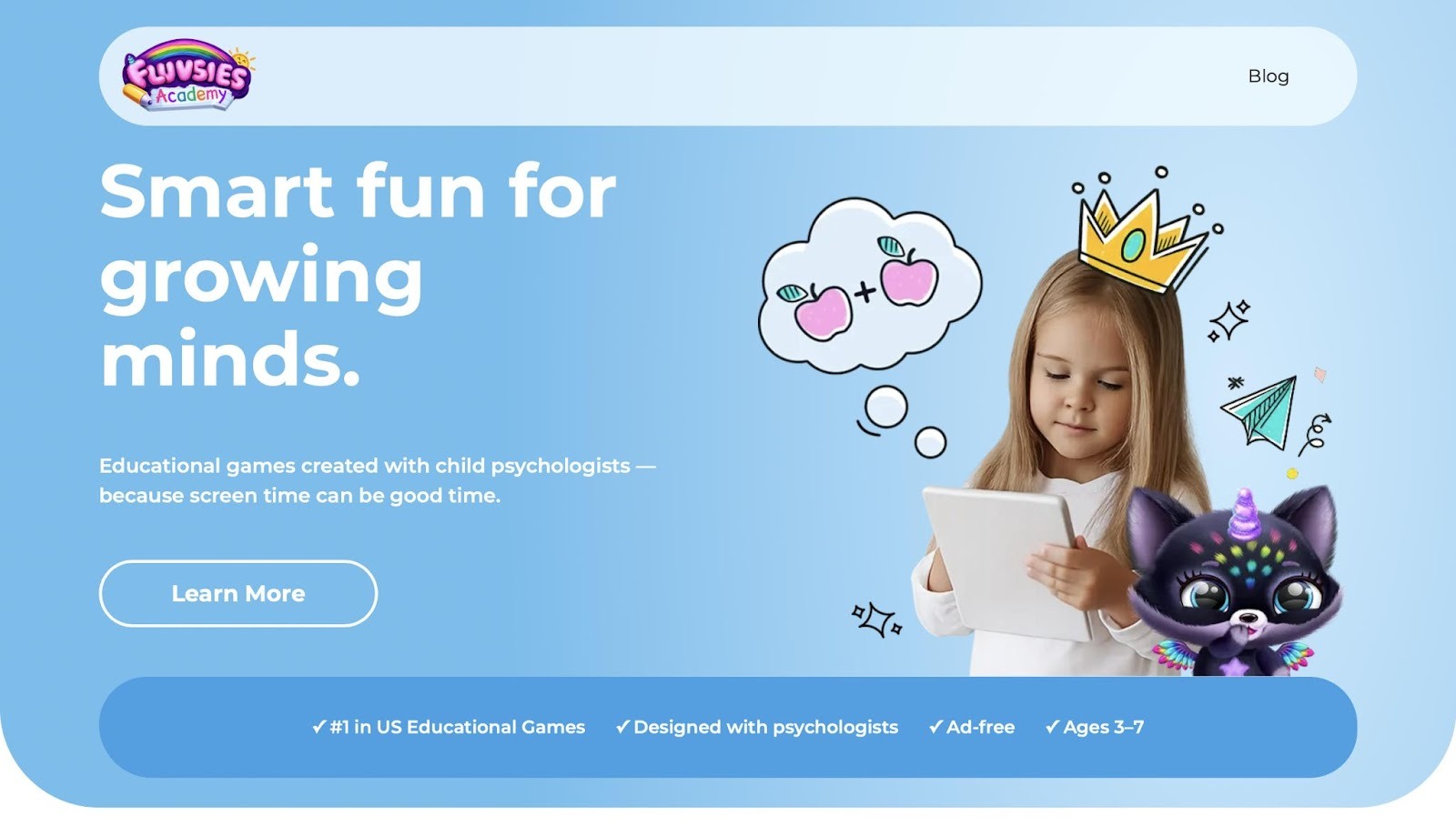
Fluvsies Academy shines as a top pick for preschoolers aged 3 to 7, blending fun games with real skill growth in a safe space. Kids hatch cute creatures and dive into activities that teach language, math, logic, and life lessons like brushing teeth or yoga poses. This app feels like a cozy adventure where children build empathy by caring for pets and explore jobs such as baker or astronaut to grow vocabulary.
It's the first holistic option that balances play with mindfulness, making screen time feel rewarding. Parents get reports on progress, spotting strengths in areas like sorting or attention. With vibrant colors and gentle guidance, it draws kids back for more, turning curiosity into confidence. No ads interrupt the flow, and it's built with psychologists to support emotional safety. Whether practicing numbers or creativity, every moment adds up to joyful discoveries that stick.
- Standout features: Games cover phonics, numbers, logic, sorting, professions, mindfulness, and healthy habits for well-rounded growth.
- Facts and information: Ranked number one in US educational games, it draws from expert design
2. TutoClub
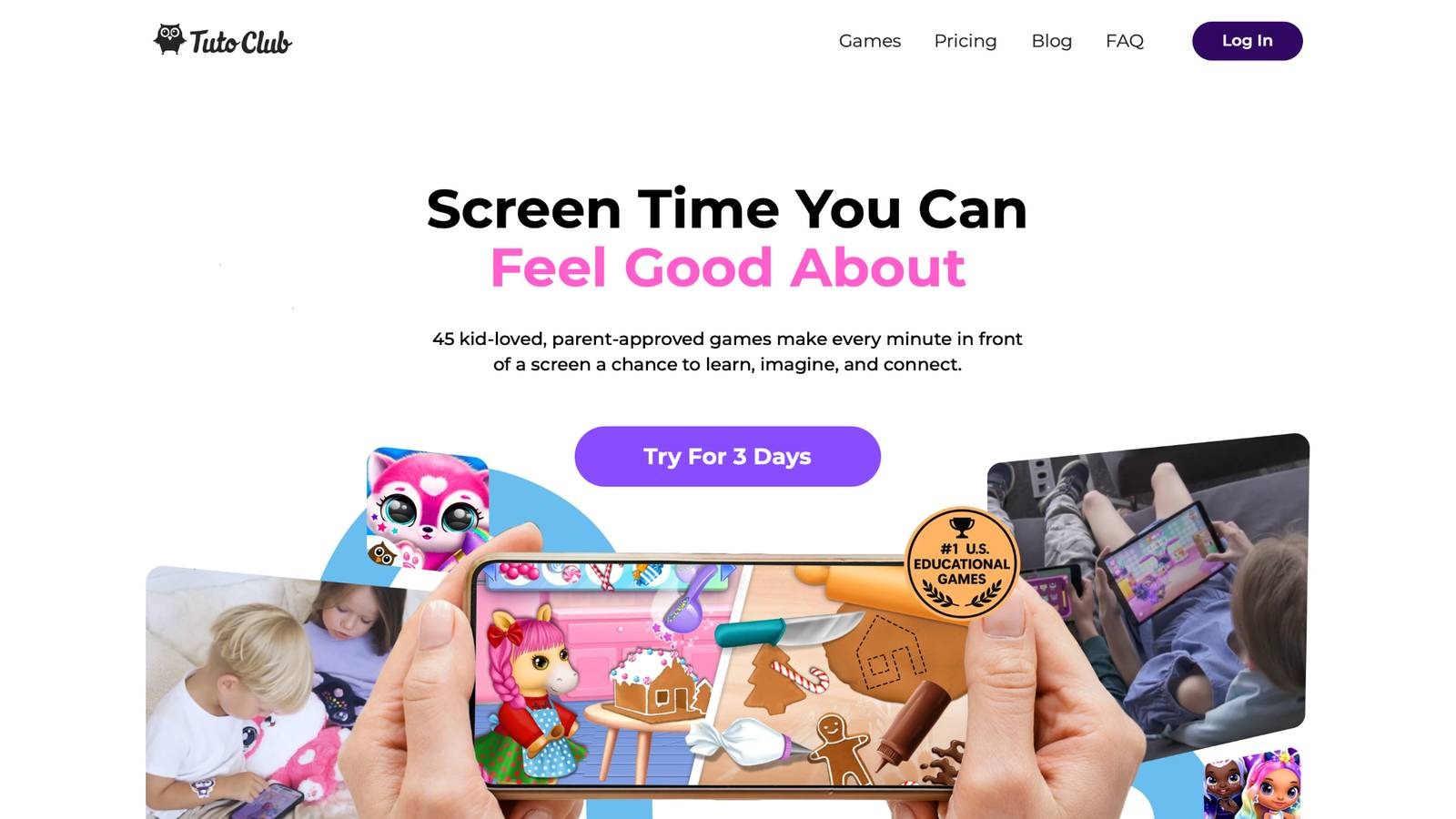
TutoClub, from Kaunas, Lithuania, gives access to over 45 games that mix adventure with learning for young kids. Children care for magical pets, design clothes, or solve puzzles in colorful worlds. It aims to build creativity and social skills, like sharing or showing kindness to characters. Some games focus on colors, shapes, and basic stories, helping with early concepts. Parents like the family-friendly setup for bonding time. Yet, with so many choices, it might feel scattered at first, and some activities repeat ideas across titles. Overall, it turns devices into tools for imagination and responsibility.
- Key features: Ad-free play, offline options, multi-device support, and activities for empathy, focus, and problem-solving.
- Facts and information: Many families worldwide use it to make screen time meaningful, with kids gaining confidence through quests and surprises.
3. Khan Academy Kids
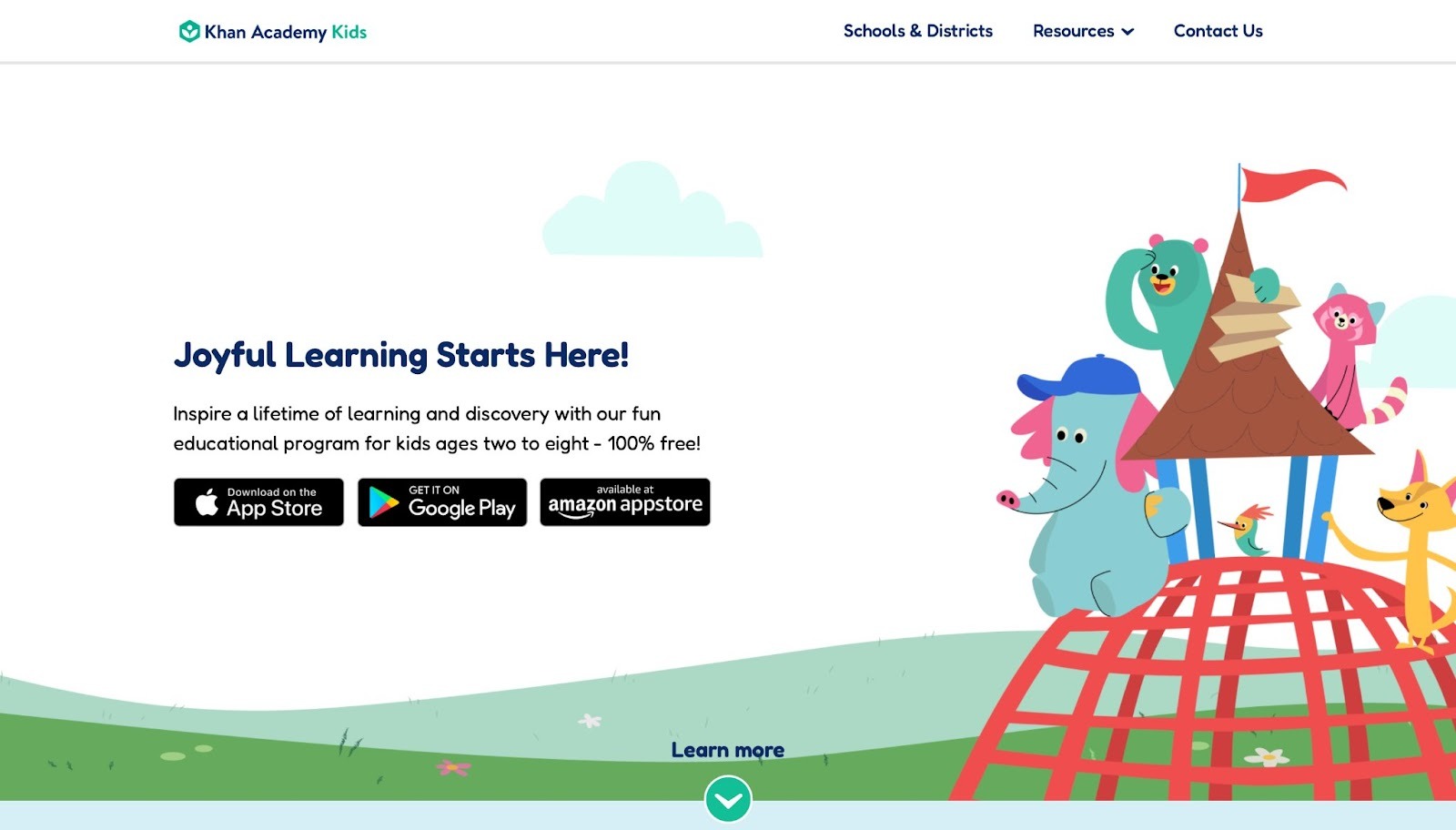
Khan Academy Kids, based in Mountain View, California, offers free lessons for ages 2 to 8 in math, reading, and more. Kids follow animal friends through stories and games that teach letters, counting, and shapes. It adjusts to each child's pace, with songs and books to keep things lively. Some sections include drawing or simple science ideas. It's strong for building basics, but might lack depth in creative play, and navigation can take time for little ones. Still, it provides a solid start for early learners.
- Key features: Personalized paths, interactive books, progress tracking, and activities in literacy, numeracy, and social-emotional skills.
- Facts and information: Some schools partner with it for extra practice, helping children with daily routines and basic concepts.
4. ABCmouse
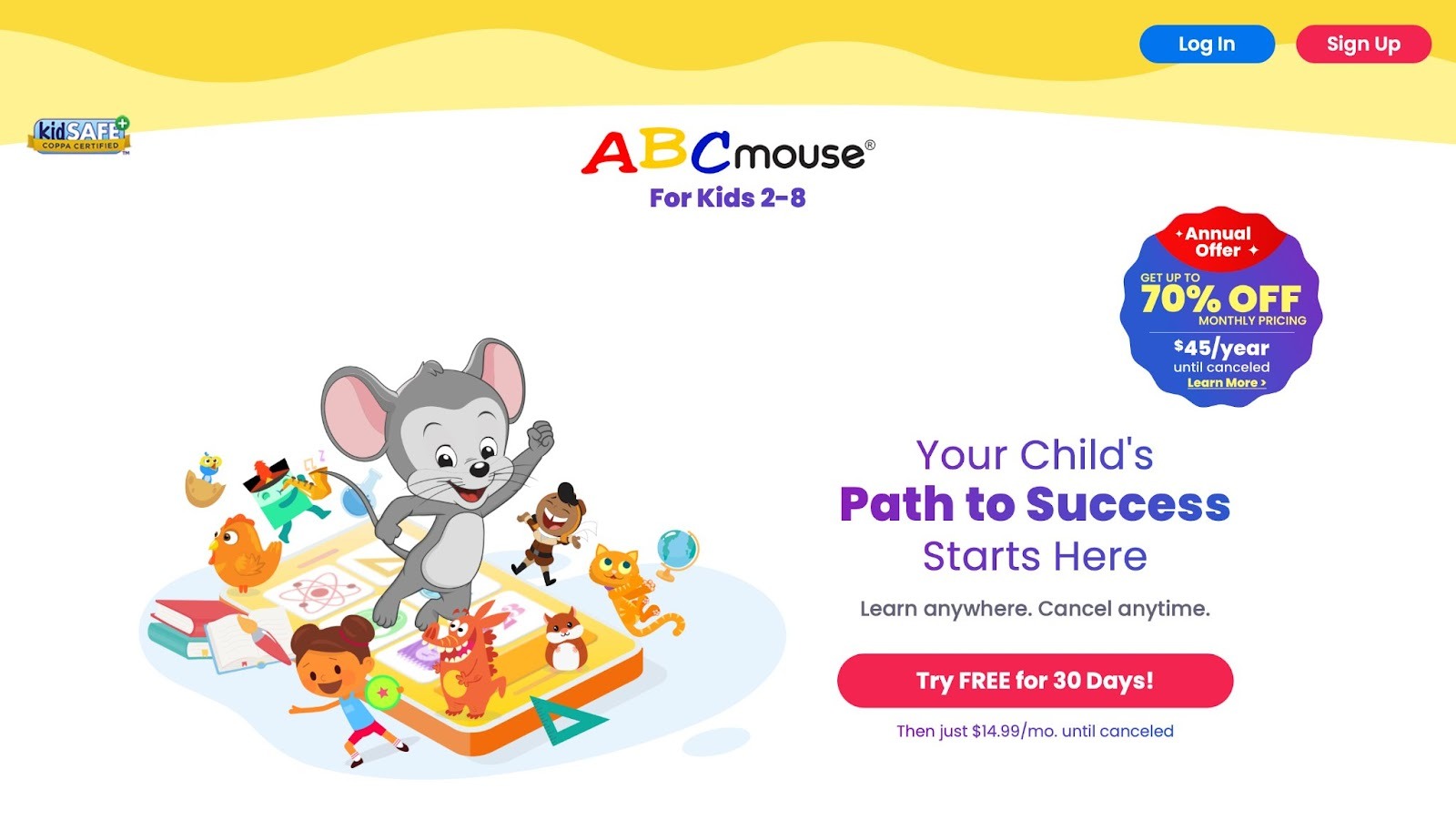
ABCmouse targets kids 2 to 8 with a full curriculum in reading, math, science, and art. Children follow a learning path with tickets and rewards, exploring farms or zoos in games. It includes puzzles, songs, and virtual books to reinforce skills. Strengths lie in its variety, but the structure might feel rigid for free play, and some parts repeat too often. It suits families wanting a complete setup.
- Key features: Step-by-step lessons, virtual classroom, art activities, and science experiments for foundational knowledge.
- Facts and information: Many parents see gains in vocabulary and number sense through its engaging themes.
5. Duolingo ABC
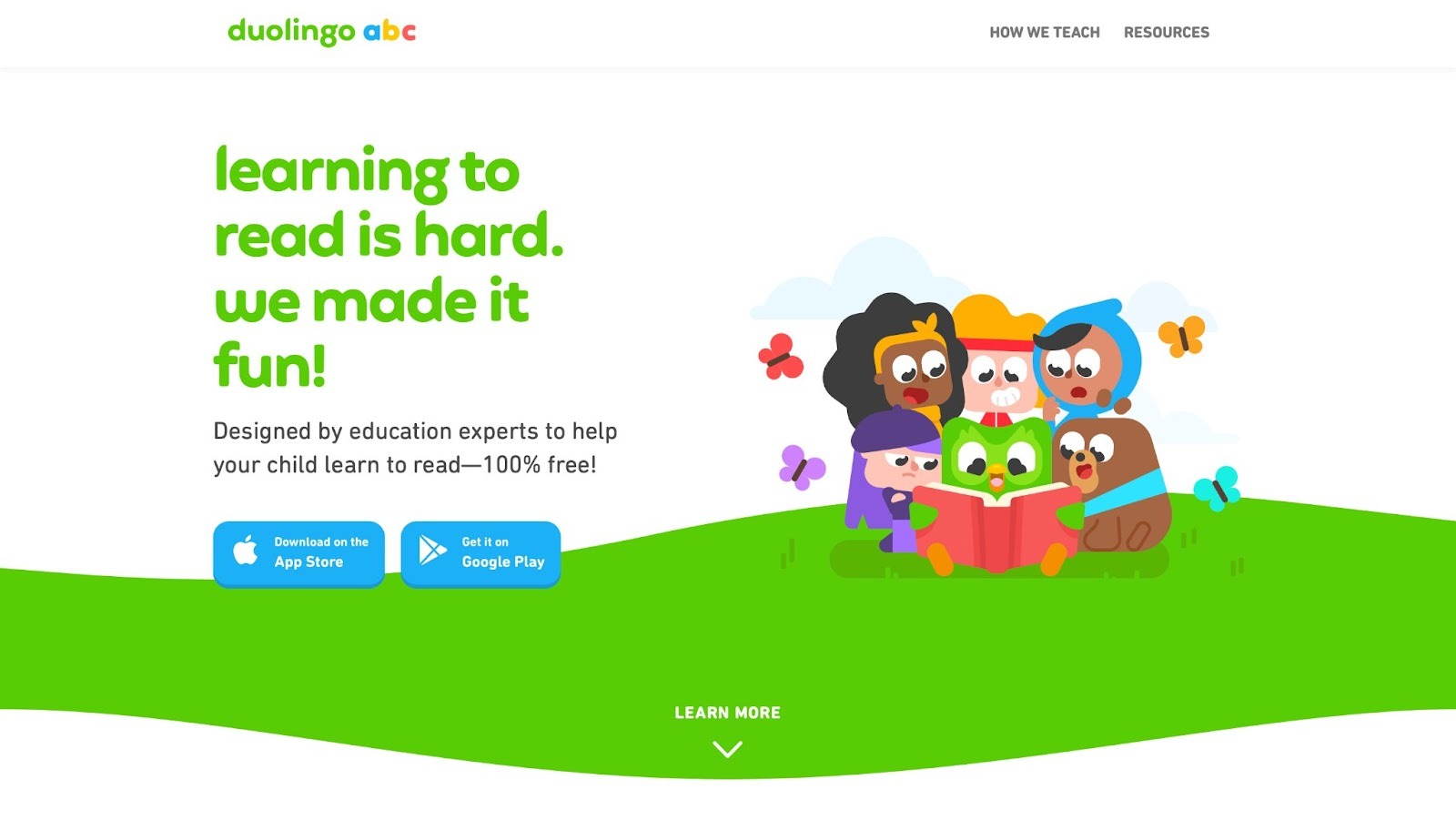
Duolingo ABC focuses on phonics and early reading for young children. Kids tap words, match sounds, and build simple sentences with fun characters. It uses short lessons with rewards to teach letter recognition and blending. Good for quick sessions, but it sticks mostly to literacy, missing broader subjects, and repetition can bore some users. It helps with basic reading confidence.
- Key features: Bite-sized phonics games, story reading, and progress badges for motivation.
- Facts and information: Some kids quickly pick up sight words and sounds through its daily streaks.
6. Lingokids
Lingokids offers play-based learning in language and cognitive skills for preschoolers. Children sing songs, play memory games, and learn words in themes like animals or food. It includes videos and quizzes for variety. Strong in engagement, but content might overlap, and some activities need more guidance. It fits well for casual skill practice.
- Key features: Songs, games, and videos covering vocabulary, math basics, and social themes.
- Facts and information: Many families use it for language exposure alongside daily play.
7. Prodigy Math
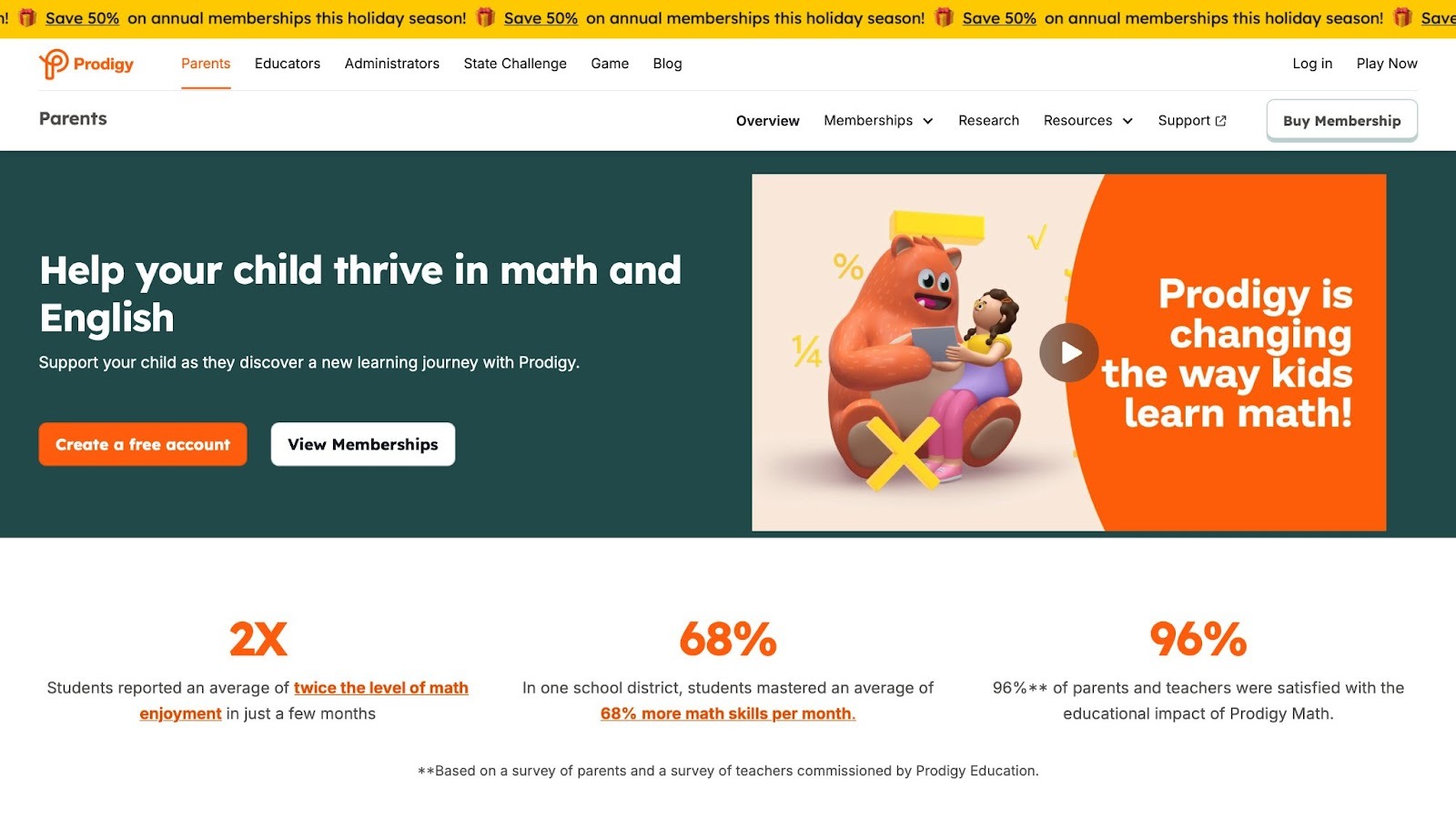
Prodigy Math turns math into a game for ages 6 and up, with battles and quests. Kids solve problems to advance their wizard character, covering addition, subtraction, and more. It adapts questions to skill level. Fun for math lovers, but focuses only on one subject, and the game element might distract from deep learning at times. It boosts number skills through competition.
- Key features: Adaptive math questions, character customization, and teacher tools for tracking.
- Facts and information: Some children improve speed and accuracy in calculations via its challenges.
8. SplashLearn
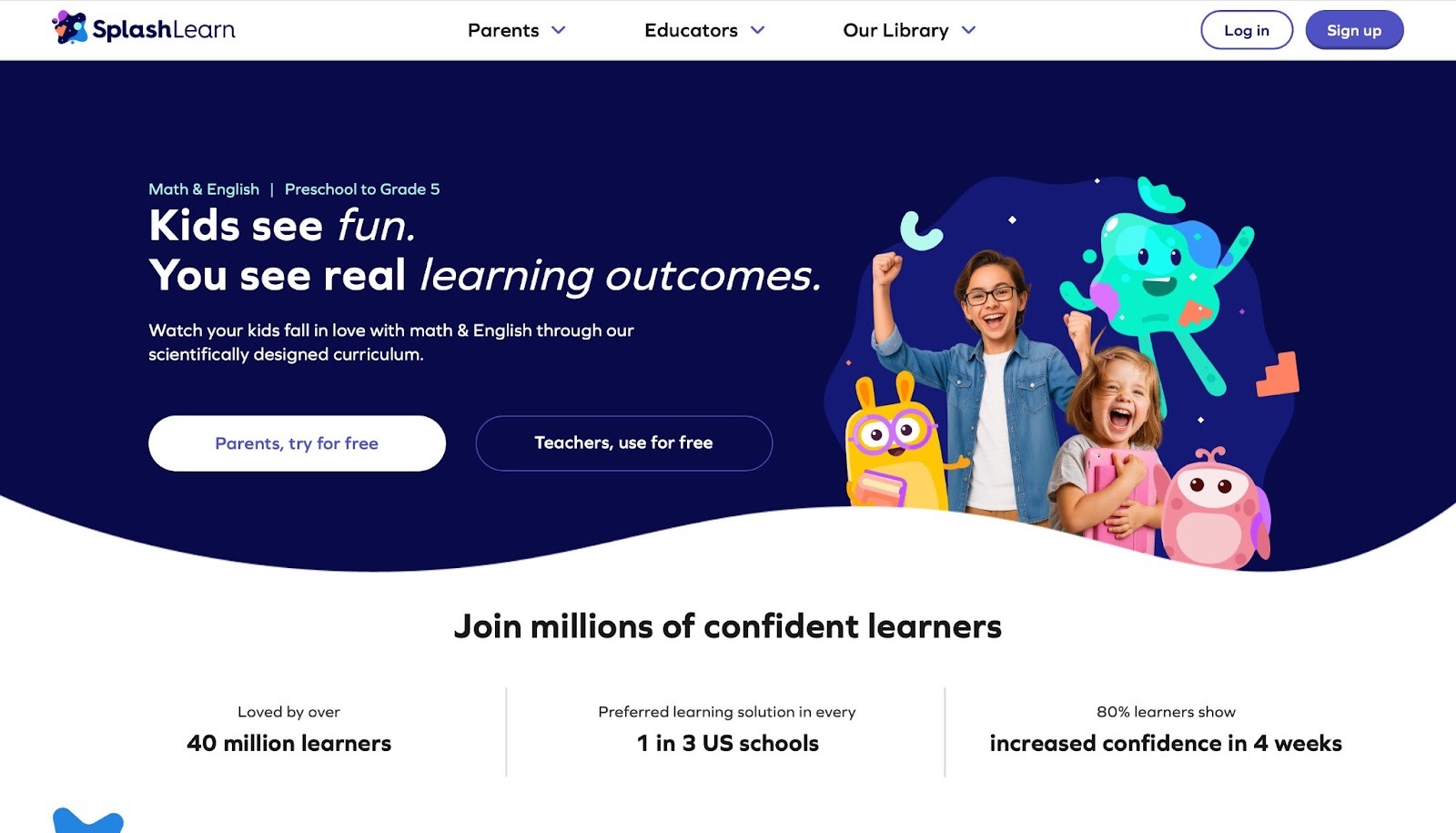
SplashLearn handles math and ELA for preK to grade 5, with games like coin counting or story comprehension. Kids earn rewards in underwater or space settings. It aligns with school standards. Effective for practice, but variety dips in higher levels, and some games feel similar. It supports classroom tie-ins.
- Key features: Personalized lessons, reports for parents, and games in core subjects.
- Facts and information: Many users build confidence in patterns and reading through its visuals.
9. Reading Eggs
Reading Eggs teaches reading through maps and eggs to collect, for ages 2 to 13. Kids learn phonics, sight words, and comprehension with animations. It includes books and quizzes. Solid for literacy, but pace might rush some learners, and extras like math add-ons vary in depth. It helps with fluent reading. The program makes learning to read interesting and engaging through games and activities. It motivates children with songs, golden eggs, and rewards, allowing them to feel proud of their progress. Founded to teach children to read, it has expanded to include standards in language arts and mathematics.
The app emphasizes exploration, play, and positive reinforcement to build confidence and motivation. Activities are research-based, aligning with state learning objectives for English language arts. It is effective for emergent readers, children with special needs, learning difficulties, and ELL students. Parents report that kids love the games and learn quickly, often advancing ahead of peers in kindergarten. The setup supports homeschooling with offline resources designed by educators. Overall, it turns reading practice into an adventure that kids enjoy repeating.
- Key features: Guided reading lessons, printable worksheets, progress maps, animated songs, and quizzes for phonics and comprehension.
- Facts and information: Many parents see kids learn to read in months, with high engagement from rewards and games.
10. Endless Alphabet
Endless Alphabet builds vocabulary for young kids with monster animations. Children drag letters to form words, seeing definitions in short clips. It covers many terms with humor. Great for word fun, but limited to alphabet and basics, and no tracking for growth. It sparks interest in language. The app introduces over 100 words through interactive puzzles where cute monsters bring each letter and word to life. Kids rebuild words by placing letters in the correct order, then watch as the word transforms into a lively animation demonstrating its meaning.
This playful approach helps children associate sounds with letters and understand word definitions in a memorable way. Without timers or scores, it encourages exploration at a child's own pace. Parents appreciate how it turns screen time into educational play, helping toddlers and preschoolers expand their language skills effortlessly. Some users note it keeps children entertained for long periods, fostering curiosity about words. The vibrant graphics and silly sounds make learning feel like a game, not a lesson.
- Key features: Interactive word puzzles, animations, and sound effects for engagement, covering letter sounds and definitions.
- Facts and information: Many preschoolers learn new words and letters through its playful style, building early vocabulary.
11. Epic
Epic offers a digital library with over 40,000 books, audiobooks, and videos for kids. It inspires reading and discovery. Kids explore favorite topics or new ones, boosting skills. Strong in variety, but might overwhelm with choices, and navigation takes practice for young users. It fuels curiosity well. The app provides instant access to a vast collection designed to make reading exciting for all levels, from reluctant readers to avid bookworms. Children can dive into stories about animals, adventures, science, and more, with options to read alone or listen to audiobooks.
Learning videos add educational depth, covering history, nature, and creativity. Personalized recommendations help tailor the experience to interests, encouraging daily reading habits. Parents value how it supports classroom success by building confidence and critical thinking. The ever-growing library ensures fresh content, keeping kids engaged over time. Some families use it as a tool for family reading sessions, sparking discussions. Overall, it transforms devices into gateways for lifelong learning.
- Key features: Vast library of books and videos, personalized paths, audiobooks for listening practice.
- Facts and information: Many kids grow reading confidence, exploring topics that aid school performance.
12. Homer
Homer delivers playful learning across reading, math, social skills, thinking, and creativity for ages 2-8. It personalizes lessons to interests and levels. Good for building basics, but some activities might repeat, and it focuses more on early stages. It fosters love of learning. The app uses a step-by-step pathway for literacy, starting with phonics and advancing to comprehension. Math builds confidence with counting and patterns.
Social-emotional tools teach empathy through stories. Brain games enhance problem-solving, while creative spaces let imaginations soar. Divided into stages like toddler to growing learner, it adapts as kids progress. Research-backed methods ensure effective, joyful activities that kids choose to play. Parents report children staying focused, even those with attention challenges, and gaining skills without realizing it's education. Testimonials highlight fun alternatives to other apps, with kids begging for more time. The ad-free environment keeps it safe and easy.
- Key features: Personalized journeys, research-based activities, stages for growth in multiple subjects.
- Facts and information: Many families find it superior to other options, with kids building empathy and focus.
13. Starfall
Starfall provides games, movies, books, and music for preK to grade 5. It teaches reading and math through play. Effective for diverse learners, but content might feel basic for advanced kids, and some sections overlap. It promotes confidence. Founded to help children read, it uses phonemic awareness and phonics with interactive elements. Kids see, hear, and touch in untimed games. Math activities cover basics to advanced. No ads ensure focus. Widely used in schools, it supports special needs and ELL students. Parents see kids motivated by positive feedback.
- Key features: Over 700 activities, animated songs, multisensory games for phonics and math.
- Facts and information: Some schools integrate it for reinforcement, helping with reading and numbers.
14. PBS Kids Games
PBS Kids Games features activities from shows like Daniel Tiger and Wild Kratts for young children. It covers literacy, science, and emotions. Fun for character fans, but tied to TV content, and variety depends on updates. It ties learning to entertainment. Kids solve puzzles, create art, and explore worlds based on favorite programs. Lessons teach sharing, problem-solving, and curiosity. Ad-free and safe, it's designed for independent play. Parents like how it extends show lessons into interactive experiences.
- Key features: Show-based games, creative tools, lessons in social skills and science.
- Facts and information: Many children learn emotions and basics through familiar characters.
15. codeSpark Academy
codeSpark Academy teaches coding for ages 3-10 with drag-and-drop puzzles. Kids create games, learning logic and sequencing. Accessible for non-readers, but needs adult setup, and community features optional. It builds tech skills. Visual interface introduces loops and variables through fun challenges. Children debug and share creations, boosting creativity. Research-based content improves problem-solving quickly. Parents note it's great for diverse learners, like those with ADHD.
- Key features: Wordless coding, game creation, community sharing for advanced concepts.
- Facts and information: Many kids gain confidence in logic after short play sessions.
16. DragonBox
DragonBox offers math apps for ages 4-8+ using games to teach algebra, numbers, and geometry. It sparks curiosity, but series format might require multiple apps, and focuses on math only. It deepens understanding. Method engages through exploration and reflection. Kids master equations intuitively. Award-winning, parents see confidence grow.
- Key features: Puzzle-based learning, adventure modes, steps for motivation and application.
- Facts and information: Some children excel in math concepts via its innovative approach.
17. Busy Shapes
Busy Shapes from Montessori Preschool teaches shapes and logic for ages 3-7. It builds critical thinking with interactive games. Engaging for daily play, but part of larger suite, and simple for older kids. It empowers expression. Based on Montessori, it covers reading, counting, and creativity. Kids trace and explore freely.
- Key features: Shape puzzles, character practice, varied activities for skills.
- Facts and information: Many parents see progress in letters and numbers.
18. Thinkrolls
Thinkrolls develops logical thinking through puzzles for young kids. It challenges with brain teasers in fun settings. Good for cognition, but puzzle-focused, and might frustrate if too hard. It sharpens minds. Games like Space or Math encourage strategy and patterns. Kids solve increasingly complex tasks.
- Key features: Themed puzzles, progressive difficulty, tools for reasoning.
- Facts and information: Some users build problem-solving through its challenges.
19. MarcoPolo Ocean
MarcoPolo Ocean lets kids explore underwater worlds, building vehicles and learning marine life. For preschoolers, it fosters discovery. Interactive, but ocean-themed only, and some parts repetitive. It inspires science interest. Children assemble puzzles and interact with animals.
- Key features: Building games, animal facts, exploratory play.
- Facts and information: Many preschoolers gain knowledge of oceans playfully.
20. Peekaboo Barn
Peekaboo Barn teaches animal names and sounds for toddlers. Kids tap barns to reveal creatures with animations. Simple and adorable, but basic content, and limited variety. It engages senses. Ideal for first apps, it builds vocabulary through repetition.
- Key features: Tap interactions, sounds and names, playful reveals.
- Facts and information: Some toddlers learn animals quickly with its easy design.
Latest Trends in Kids Educational Apps
Apps now blend AI to tailor lessons, making them fit each child's speed. This shift helps with personal growth in subjects like STEM or emotions. Some include AR for hands-on feels, like virtual labs. Focus on well-being grows, with yoga or calm breaks built in. Parents get better tools to join in, like shared accounts. These changes aim to make learning stick longer. Trends also push for less screen overload, mixing digital with real activities.
Data on Kids App Usage
Age Group | Popular Subjects | Common Features | User Benefits |
| 3-5 years | Phonics, Colors | Simple taps, Songs | Builds basics, Fun engagement |
| 6-8 years | Math, Reading | Quests, Rewards | Improves focus, Skill practice |
| All ages | Life Skills | Progress tracks, Ad-free | Boosts empathy, Daily habits |
This table shows how apps match ages with needs. Some families mix subjects for balance.
FAQ
What makes a kids learning app safe for my child?
Kids learning apps become safe when they avoid ads that could lead to unwanted content and use strong data protection to keep personal details private. They often include parental controls that let adults set limits on playtime or access certain features, creating a secure environment. Following guidelines like COPPA ensures the app handles information for children under 13 properly, focusing on age-appropriate interactions without external risks.
How do learning apps help with social skills?
Learning apps support social skills by letting children interact with characters in scenarios that teach sharing, empathy, and communication through simple stories or tasks. These activities mimic real-life situations, like helping a friend in the game, which builds understanding of emotions and cooperation. Over time, kids apply these lessons in daily play, improving how they connect with others in a gentle, guided way.
Can kids learning apps replace school time?
Kids learning apps serve as supplements to school by offering extra practice in areas like reading or math through engaging formats that reinforce classroom ideas. They provide flexibility for home use, allowing children to revisit concepts at their own speed without the structure of formal education. While helpful for building habits, they work best alongside teacher-led lessons for a complete experience.
What age is best to start with educational apps?
Educational apps suit children starting around age 3, when they can manage basic touch interactions and follow simple voice prompts for guidance. At this stage, apps with large icons and colorful designs help develop fine motor skills alongside early concepts like colors or sounds. As kids grow older, these tools evolve to include more complex puzzles, matching their expanding attention and curiosity.
How do kids learning apps encourage healthy habits?
Kids learning apps encourage healthy habits by weaving in activities like virtual tooth brushing or yoga poses that show the value of routines in a fun context. These elements tie into daily life, helping children see connections between game actions and real behaviors such as eating well or staying active. Through repeated play, kids internalize these practices, making them part of their natural choices.
Read Also
- Best Educational App for Kids
- Best Educational Games for Children
- Best Educational Games App
- Best Educational Fun Games
- Best Interactive Educational Games