

Best Apps for Learning 2026






Looking for the best apps for learning in 2026? These tools help kids build skills through play, covering math, reading, and more. Kids gain confidence with hands-on activities that spark curiosity. Some apps focus on early basics, while others dive into creative tasks. This guide covers top choices to match your child's needs and keep learning fresh.
A broader comparison of top-rated platforms includes the best educational games for children, featuring interactive and skill-based experiences. Detailed insights also cover the best educational app for kids, the overall best educational app, and engaging best educational computer games. A complete roundup of the best educational games highlights options that support cognitive growth, creativity, and problem-solving skills.
Discover the Best Apps for Learning 2026 - Fluvsies Academy
Why Learning Apps Matter in 2026

Learning apps have become key for kids' growth. They blend fun with lessons to hold attention better than old methods. Parents find these tools help bridge gaps in daily routines. Apps adapt to each child's pace, making tough topics simple. Many kids show better focus after regular use. These apps also teach real-life skills alongside basics.
How to Pick the Right App for Your Child
Think about your child's age and interests first. Look for apps with safe, ad-free spaces that track progress. Features like games and stories keep kids hooked. Test a few to see what clicks. Some apps shine in math, others in reading. Match the app to what your child enjoys most for lasting results.
Best Apps for Learning 2026
1. Fluvsies Academy - Best Learning App
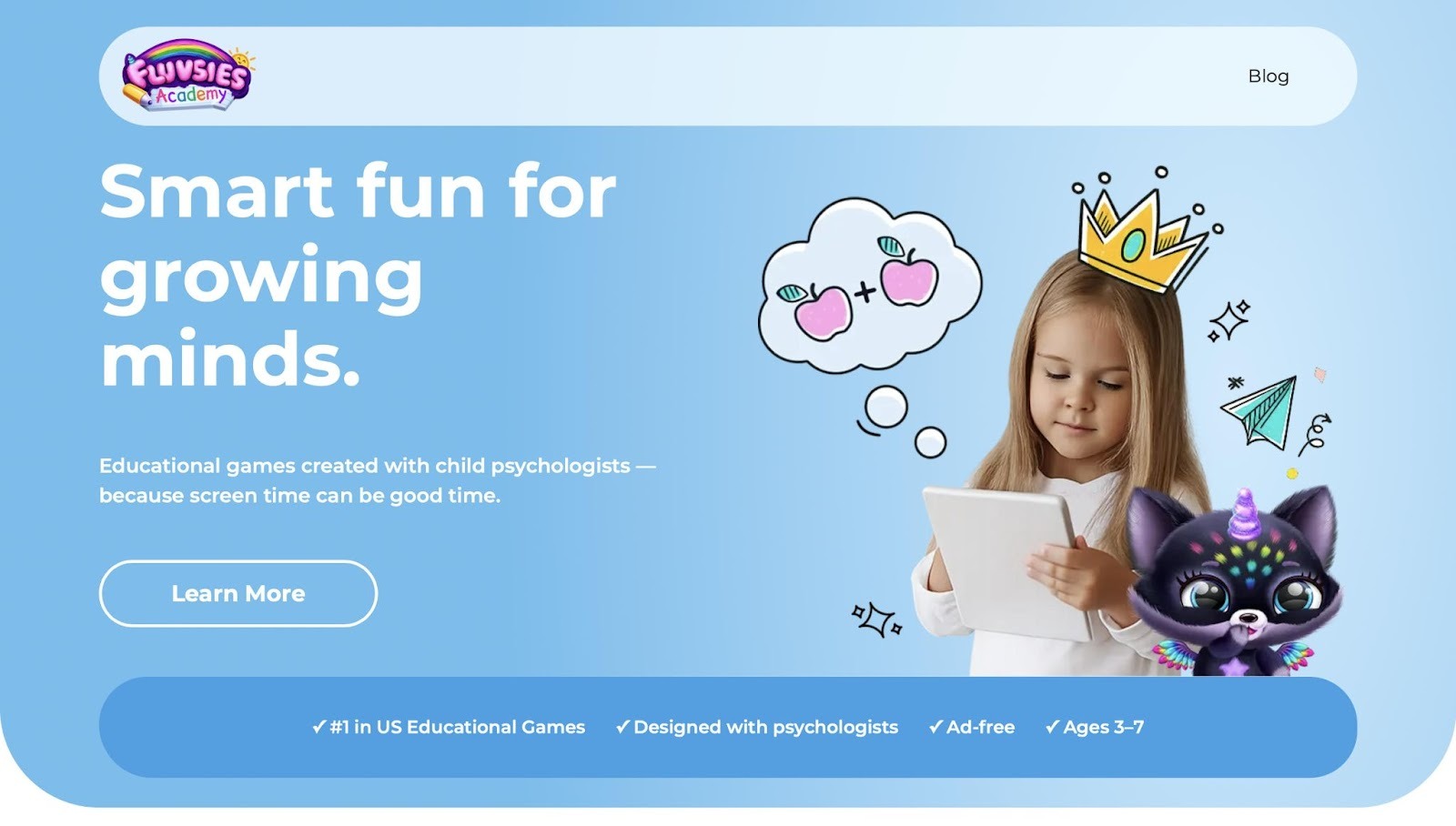
Fluvsies Academy stands out as a top choice for young kids ready to learn through joyful play. This app turns everyday moments into exciting lessons, with cute characters guiding little ones on adventures. Kids hatch fluffy pets and care for them, building empathy along the way. Puzzles sharpen focus, while stories grow vocabulary in a gentle setting.
Designed with child experts, it covers basics like numbers, letters, and shapes without any rush. Parents love the progress updates that show real growth. The app feels like a cozy world where curiosity leads the fun. No ads interrupt the flow, keeping kids safe and engaged. It mixes creativity with real skills, like brushing teeth or sorting items, to prepare for school. Fluvsies Academy makes learning feel natural and rewarding, helping kids feel proud of their steps forward.
- Standout features: Guided play with fluffy pets, puzzles for logic, and stories for language growth.
- Key pros: Ad-free space, progress reports for parents, and content that builds confidence.
- Facts and information: Covers ages 3-7 with lessons in math, phonics, and life skills, all crafted by child psychologists for emotional safety.
Discover Fluvsies Academy
Fluvsies Academy is a leading educational app designed for children aged 3–7. It transforms screen time into meaningful learning through fun, interactive games. Developed in collaboration with child psychologists, the app focuses on holistic development.
Key Features
- Ad-free environment for safe play.
- Games covering language, phonics, math, and logic.
- Activities for attention, sorting, and creativity.
- Real-world life skills like healthy habits and mindfulness.
- Exploration of professions to build vocabulary and imagination.
Educational Approach
Fluvsies Academy emphasizes guided play that balances focus, empathy, and emotional safety. It's the first holistic learning app for kids, ranked #1 educational game in the US. Progress reports help track your child's growth. Free printables extend learning beyond the screen.
Benefits for Families
Parents gain peace of mind with expert-backed games.
Kids build confidence, skills, and a love for learning. Ideal for preschoolers seeking joyful education.
Download Fluvsies Academy today and watch your child thrive!
2. TutoClub
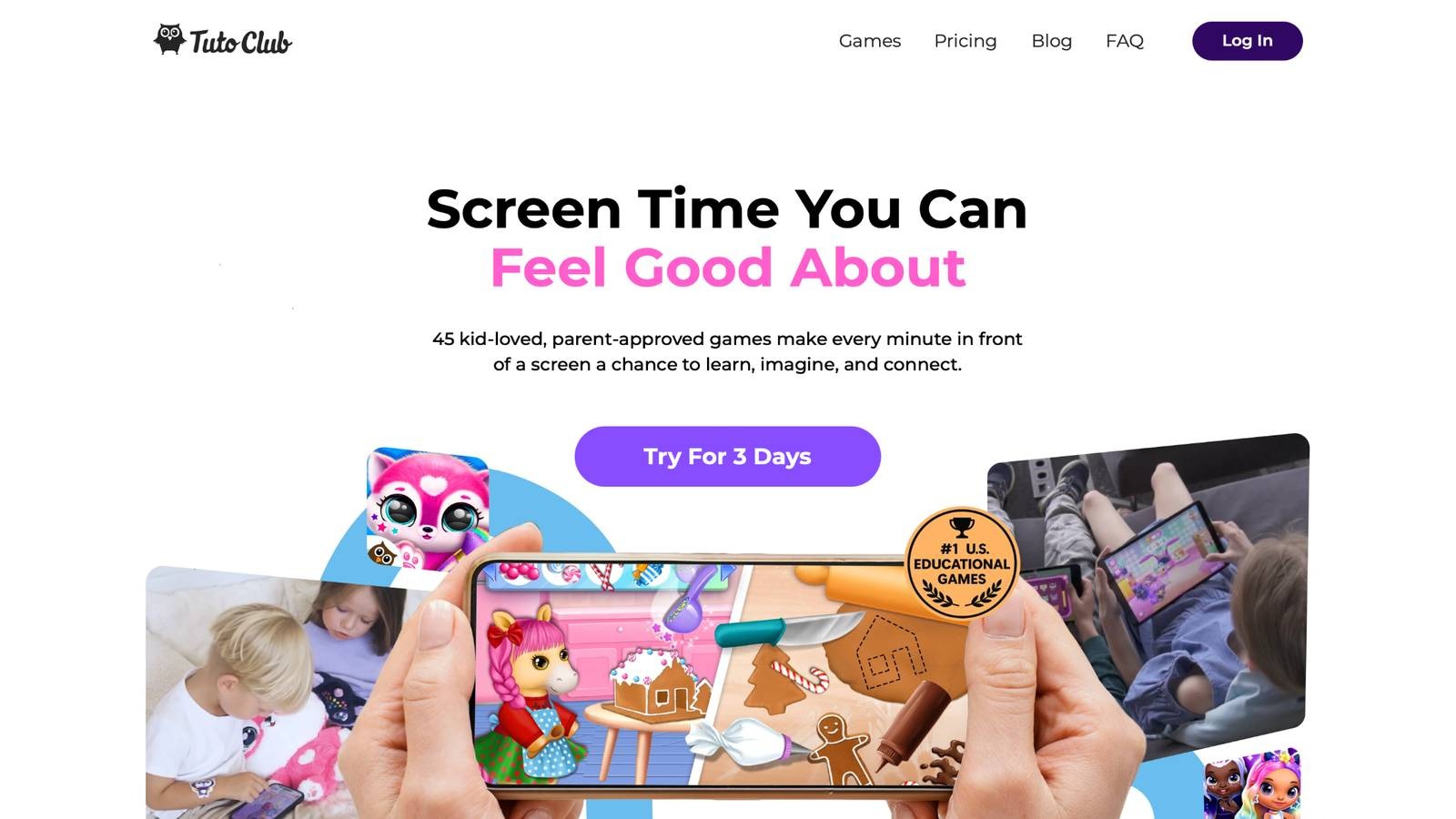
TutoClub offers a mix of games that draw kids into worlds of discovery. Based in Kaunas, Lithuania, it gives access to many titles where children design outfits, solve puzzles, or care for creatures. The app shines in sparking creativity and teaching social skills through play. Kids build worlds and tell stories, which helps with focus and empathy. The variety keeps things fresh for families wanting flexible fun. Parents note how it turns screen time into bonding moments. Overall, TutoClub works well for kids who thrive on open-ended adventures, though some might need more structure.
- Key features: Outfit design, puzzle solving, creature care, world building, and storytelling tasks.
- Facts and information: Safe, ad-free play that boosts creativity and responsibility; suits various ages with offline options after download.
3. Khan Academy Kids
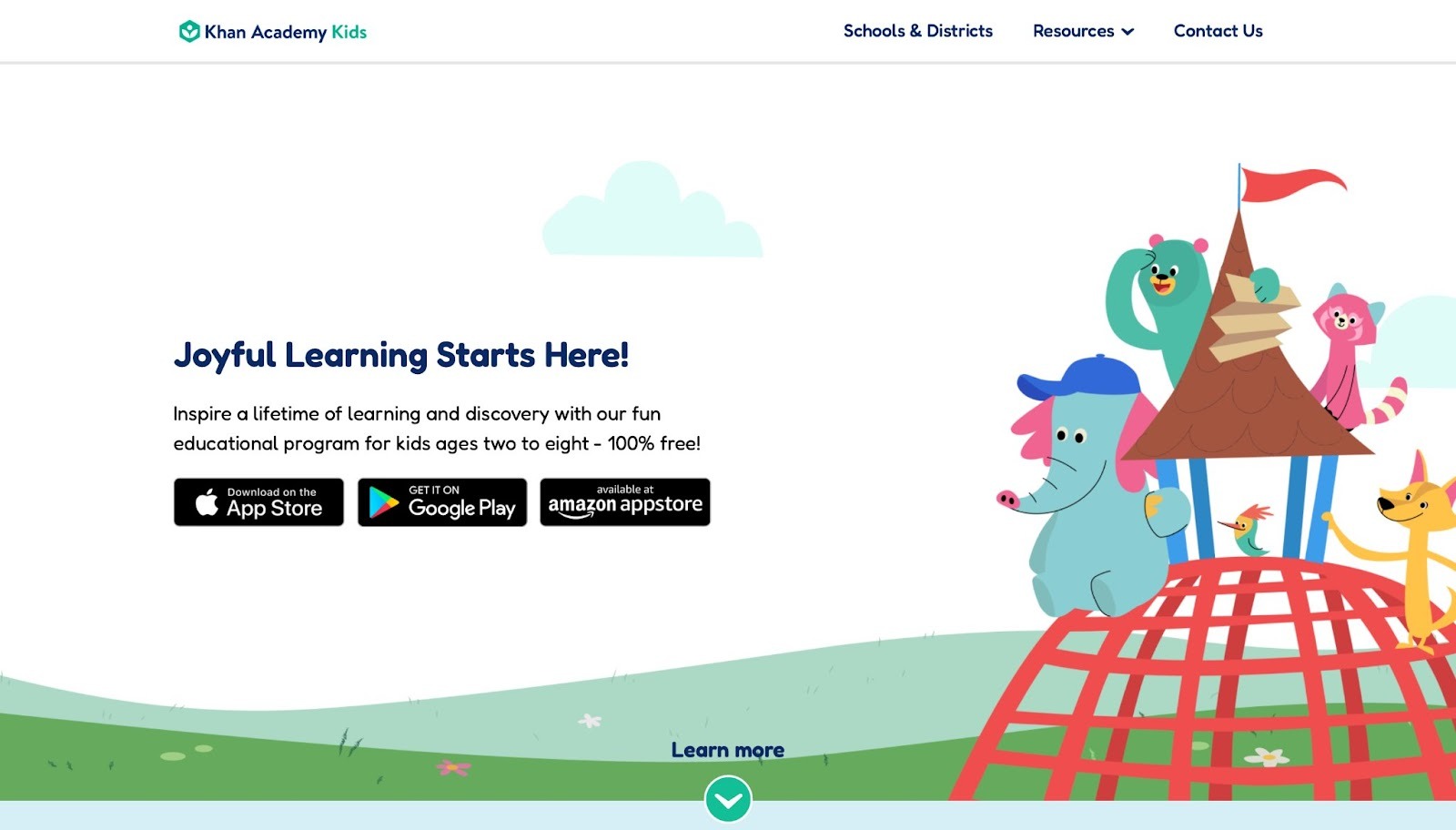
Khan Academy Kids brings free lessons to young learners with colorful characters leading the way. It covers early basics like reading and math through songs, books, and games. The app adapts to each child's speed, making it strong for building foundations. Kids explore topics at their own pace, which helps with independence. Yet, the content might repeat for older users, leading to less excitement over time. Parents value the no-cost access and insights into progress. This app fits families seeking structured yet playful tools. It promotes emotional growth alongside academics, creating a balanced approach.
- Key features: Interactive books, adaptive math games, songs for literacy, and creative play activities.
- Facts and information: Aligns with early standards; supports English learning with visuals; helps with social-emotional skills like empathy.
4. ABCmouse
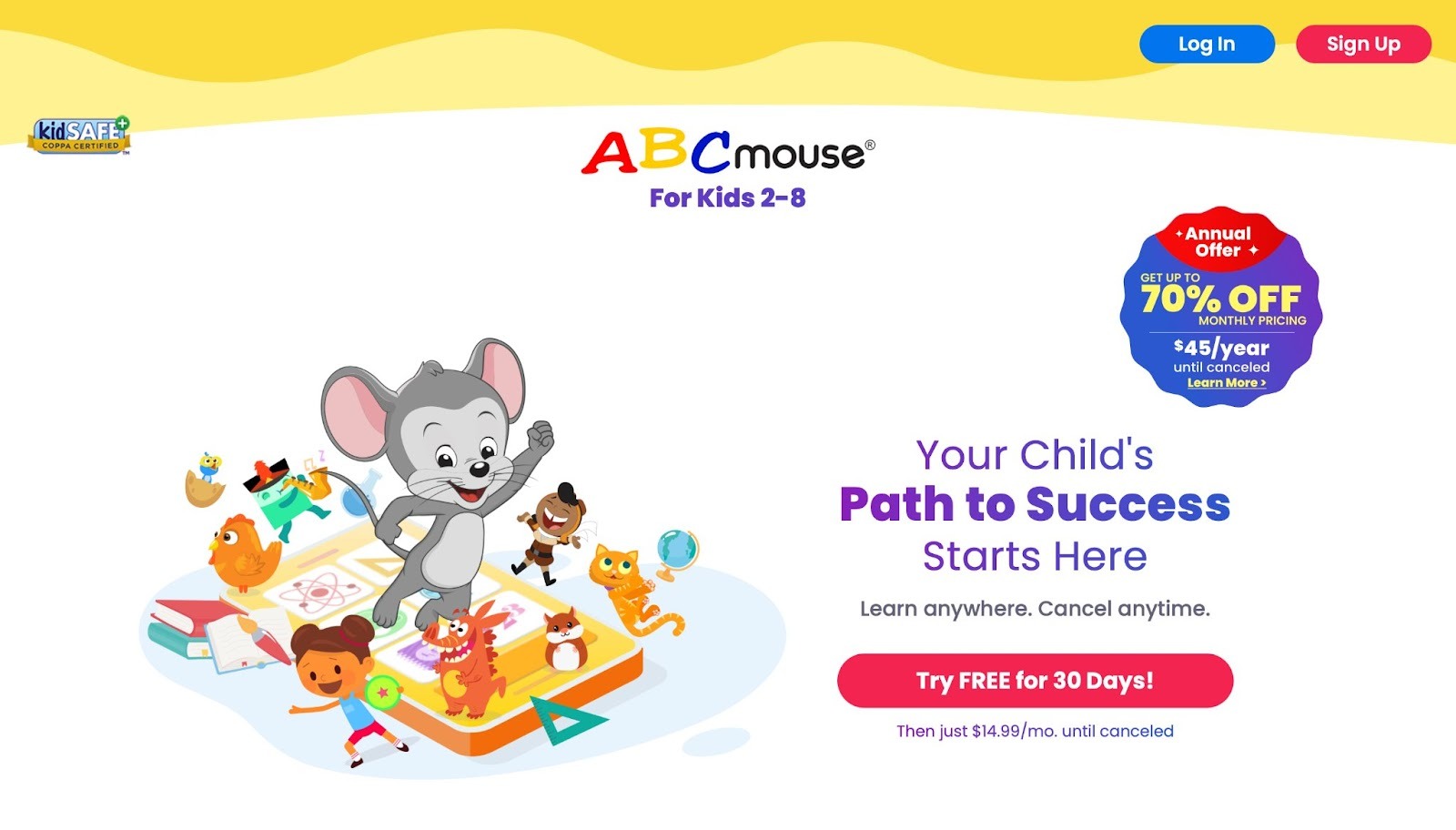
ABCmouse provides a full set of activities for early education, with games, books, and songs in one spot. Based in Glendale, California, it guides kids through paths in reading, math, and science. The app uses rewards to keep motivation high, helping children stick with tasks. Strengths include vivid visuals and hands-on experiments that make concepts stick. On the downside, the wide range can overwhelm beginners without guidance. Families appreciate the custom profiles for multiple kids. It encourages creativity with art and music tools, rounding out the experience.
- Key features: Step-by-step paths, virtual experiments, art studios, and music composition.
- Facts and information: Covers phonics, counting, and problem-solving; trusted by many families for foundational gains.
5. Duolingo
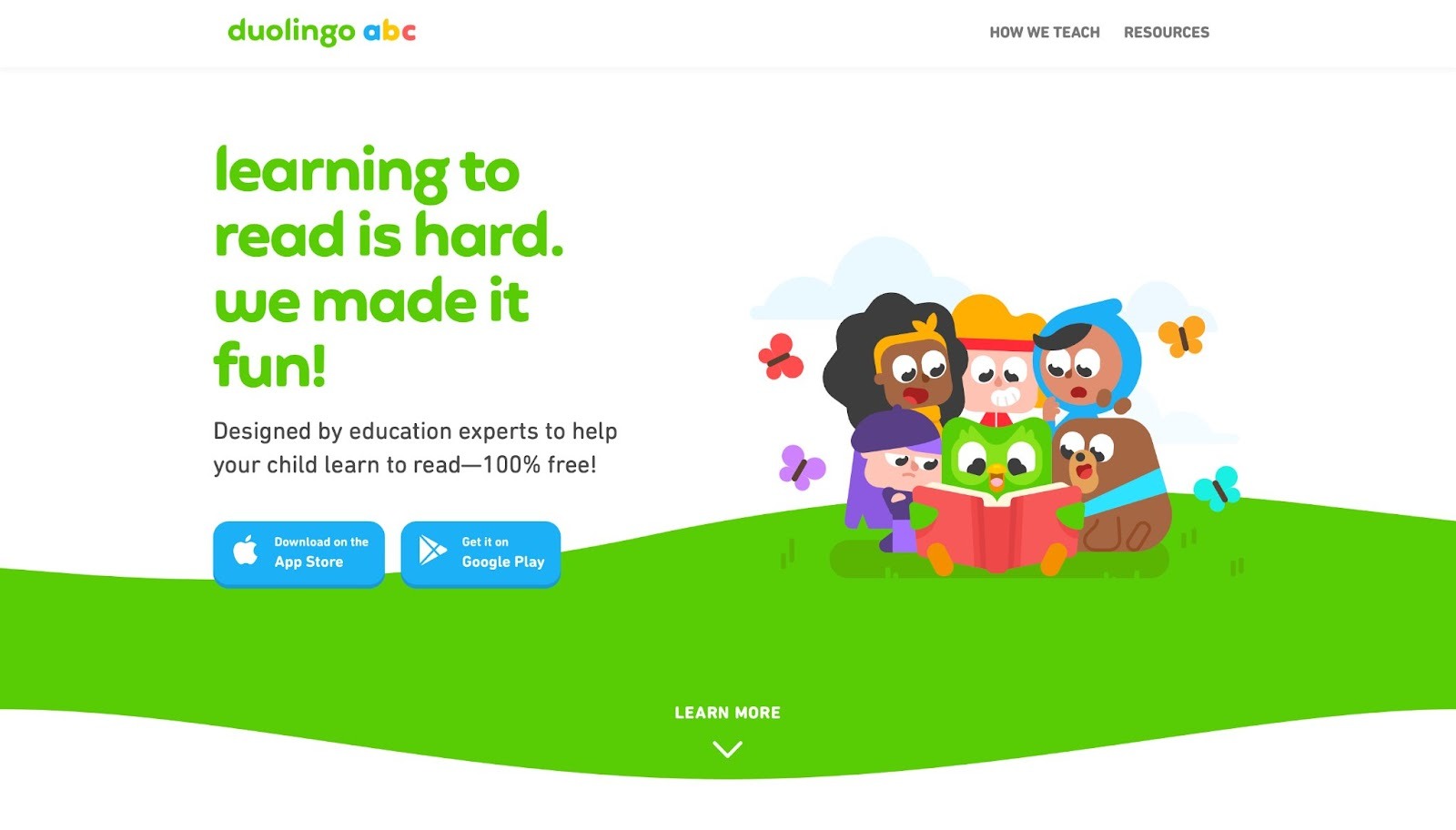
Duolingo turns language lessons into quick games with points and levels. Based in Pittsburgh, Pennsylvania, it works for all ages but has a kids' version for basics like phonics. The app builds skills in reading, speaking, and listening through fun challenges. Its bite-sized format fits short sessions well. However, the game focus might skip deeper practice for some users. Parents like how it motivates daily habits. Duolingo stands out for variety in topics, including math alongside languages.
- Key features: Gamified lessons, listening exercises, speaking practice, and skill trees.
- Facts and information: Offers many languages; uses AI for personal tweaks; helps with vocabulary and conversation basics.
6. Prodigy Math
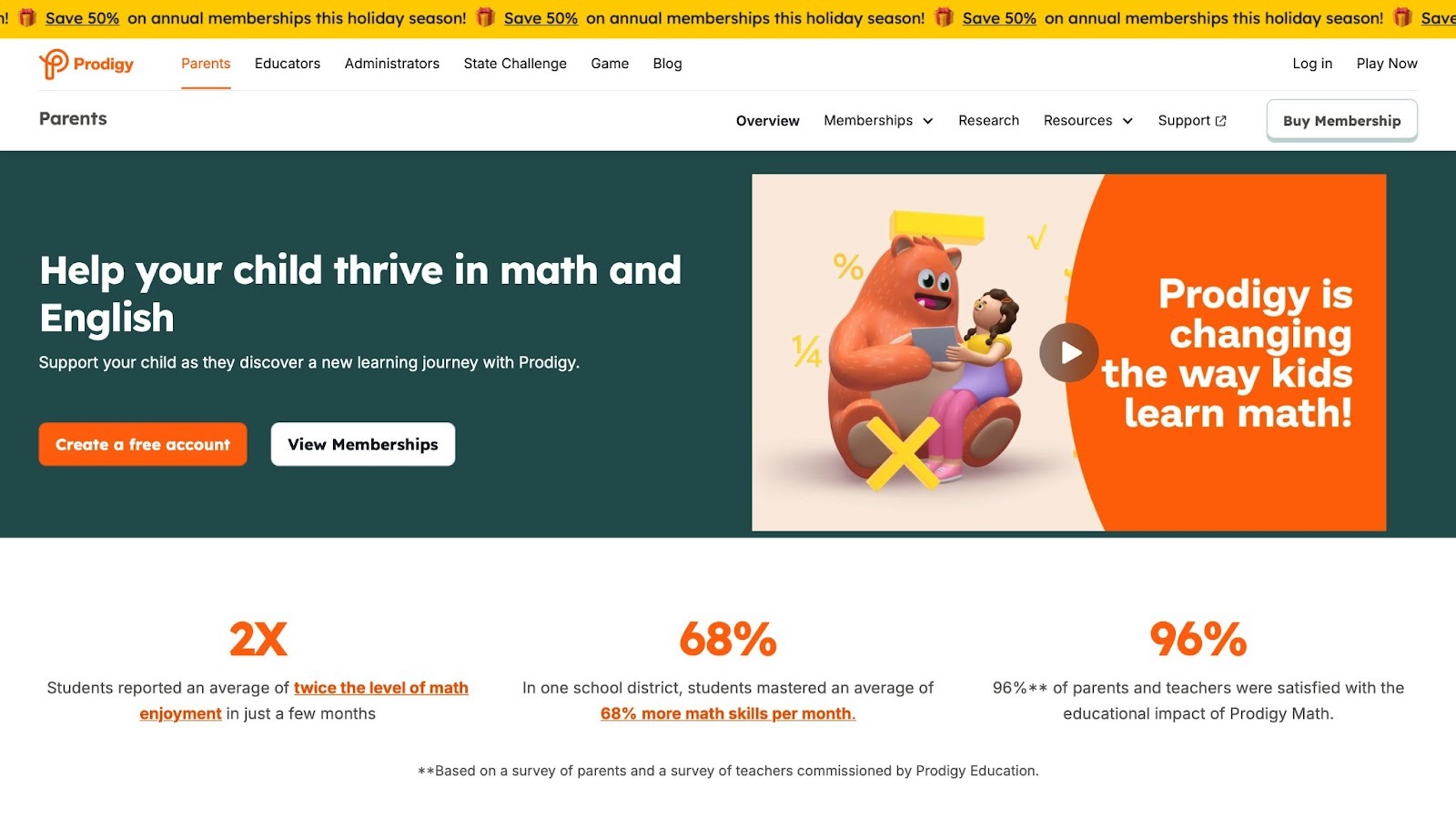
Prodigy Math wraps math practice in adventure games with battles and quests. It aligns with school standards, making it a solid pick for skill boosts. Kids earn rewards that keep them coming back. The app tracks growth and adjusts difficulty, which aids steady progress. Weaknesses include a heavy focus on math only, limiting broader use. Parents find the parent dashboard helpful for oversight. Prodigy encourages teamwork in some modes, adding a social layer.
- Key features: Adaptive quests, battles for practice, rewards system, and progress tracking.
- Facts and information: Covers core math topics; supports English skills too; fits classroom or home use.
7. Endless Alphabet
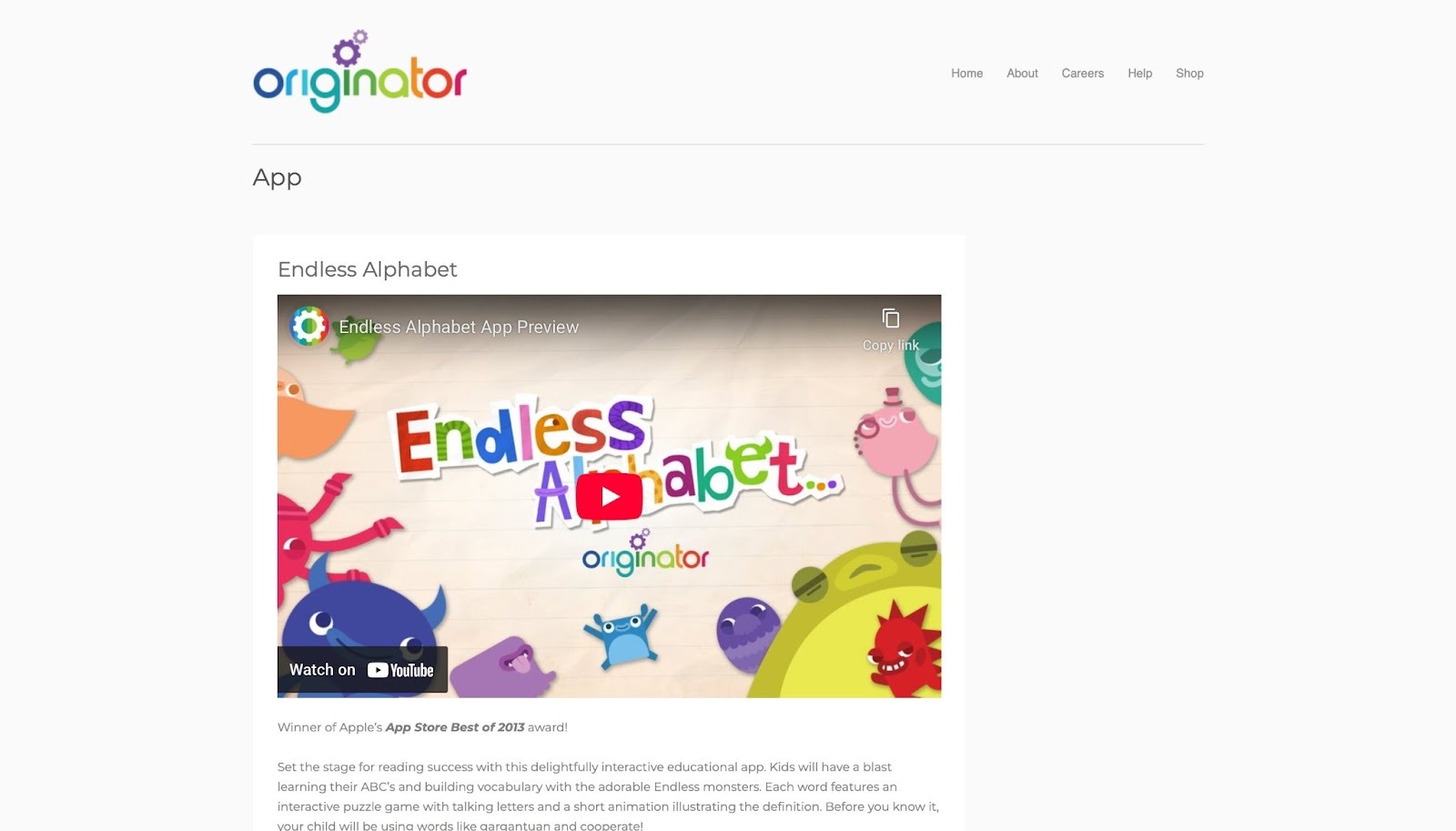
Endless Alphabet introduces words with puzzles and animations for young kids. It teaches letters and meanings through silly monsters that act out definitions. The app builds vocabulary in a light-hearted way. Strengths lie in its engaging visuals that make learning memorable. But it lacks depth for advanced users, staying basic. Families enjoy the no-pressure style that lets kids explore freely.
- Key features: Word puzzles, animated definitions, letter tracing, and sound matching.
- Facts and information: Focuses on phonics and word recognition; suits early learners with fun, interactive scenes.
8. SplashLearn
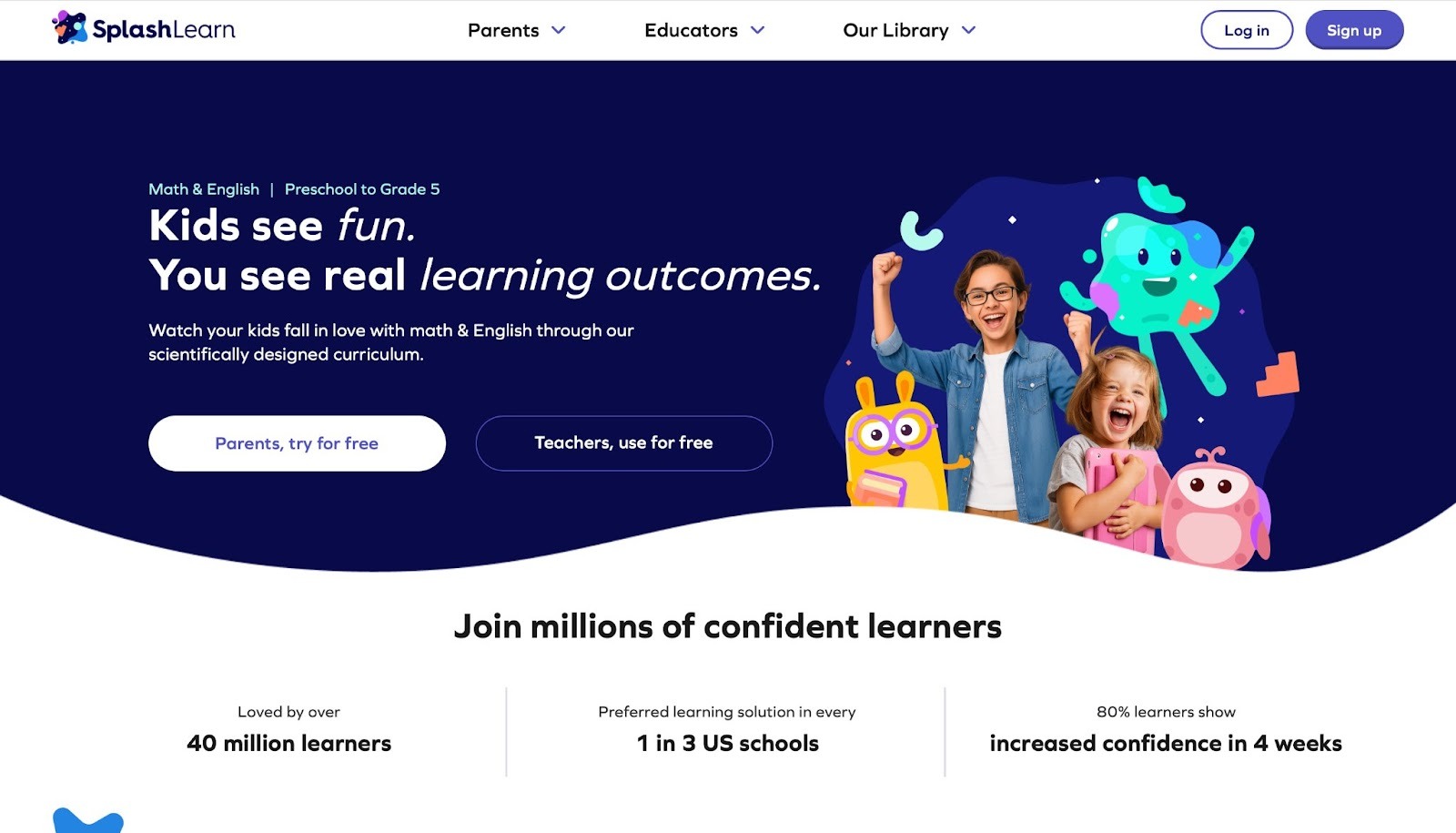
SplashLearn offers math and reading games that adapt to skill levels. It uses colorful themes to cover topics like addition and comprehension. The app provides reports for parents to follow along. It excels in making practice feel like play. Drawbacks include occasional glitches in loading. Many users see gains in confidence with regular play.
- Key features: Adaptive games, themed activities, parent reports, and skill challenges.
- Facts and information: Aligns with grades PreK-5; blends math and reading for balanced growth.
9. Read Along
Read Along by Google helps kids read with voice feedback from a buddy character. It listens and corrects as children read stories aloud. The app builds fluency through real-time tips. It's strong for independent practice in quiet settings. However, it requires a device mic, which might not suit all setups. Parents like how it boosts reading joy.
- Key features: Voice recognition, story reading, feedback buddy, and progress hints.
- Facts and information: Focuses on pronunciation and pace; offers diverse stories for engagement.
10. Quizlet
Quizlet serves as a versatile study tool that helps kids across various ages tackle subjects with flashcards, quizzes, and games. Based in San Francisco, California, it allows users to create custom study sets or browse millions shared by others, covering topics from vocabulary to science. The app promotes active recall through modes like learn, test, and match, which make reviewing material interactive and less monotonous. Kids can join classes for collaborative study, fostering a sense of community in learning. Its clean interface makes it easy to navigate, even for younger users with guidance.
Strengths shine in its adaptability, letting kids study on the go with mobile access and offline modes after downloading sets. This flexibility suits busy schedules and different learning styles, whether visual or competitive. However, the reliance on user-generated content means quality can fluctuate, with some sets having errors or incomplete info that requires verification. Still, the app's gamified elements, like leaderboards, keep motivation high for test prep or daily reviews. Parents and teachers integrate it seamlessly into routines, noting how it turns rote tasks into engaging challenges. Overall, Quizlet empowers independent study while building long-term retention skills in a fun, tech-savvy way.
- Key features: Customizable flashcards, multiple study modes including games and tests, class joining for group work, and offline access.
- Facts and information: Supports a wide range of subjects; used in schools for homework and exams; helps with memory through spaced repetition techniques.
11. Epic!
Epic! acts as a digital library packed with books, videos, and audiobooks tailored for young readers. Based in Redwood City, California, it offers thousands of titles from classics to new releases, encouraging kids to explore stories at their own pace. The app categorizes content by age and interest, making it simple to find engaging reads that build literacy skills. Interactive quizzes follow many books, reinforcing comprehension and vocabulary. Strengths include its vast selection that caters to diverse tastes, from adventure tales to educational nonfiction, keeping reluctant readers hooked.
Personalized recommendations based on reading history help guide progress, while parent dashboards track habits and suggest next steps. However, the sheer volume of options might overwhelm some kids without initial guidance, leading to scattered choices. Offline reading after downloads adds convenience for travel or quiet times. Families praise how it turns screen time into productive exploration, sparking discussions about plots and characters. Epic! fosters a love for reading by blending entertainment with learning, helping children develop critical thinking through narrative immersion.
- Key features: Extensive book library, audiobooks and videos, reading quizzes, personalized suggestions, and parent monitoring tools.
- Facts and information: Curated for ages 2-12; promotes daily reading habits; aligns with school curricula for supplemental support.
12. Homer
Homer focuses on early literacy with personalized paths that teach reading, phonics, and comprehension through games and stories. Based in New York City, New York, it adapts lessons to each child's level, starting from basics like letter sounds to full sentences. Kids engage with animated characters in activities that build confidence step by step. Strengths lie in its structured approach, which combines songs, rhymes, and interactive books to make learning feel playful.
Progress reports keep parents informed, highlighting areas for extra practice. The app integrates art and music to round out development, encouraging creativity alongside reading. Yet, it may feel repetitive for advanced learners who outpace the content quickly. Offline modes ensure access anywhere, fitting family routines. Many users report gains in reading readiness, with kids eager to return for rewards like stickers. Homer stands out for its research-backed methods, drawing from child development experts to create a nurturing environment that prepares little ones for school success.
- Key features: Adaptive reading lessons, interactive stories, phonics games, songs for retention, and detailed progress tracking.
- Facts and information: Designed for ages 2-8; based on proven literacy strategies; helps with vocabulary expansion and story understanding.
13. Lingokids
Lingokids delivers language and life skills through songs, games, and videos in a vibrant, child-friendly setup. Based in Madrid, Spain, it teaches English basics alongside topics like emotions and daily routines, using native speakers for authentic pronunciation. Kids interact with fun characters in activities that promote speaking and listening. Strengths include its holistic focus, blending language with social-emotional learning to build well-rounded abilities.
Custom playlists allow tailoring to interests, while ad-free play keeps focus sharp. Parent tools offer insights into growth, suggesting ways to extend lessons offline. However, the content might not challenge older kids enough, sticking to foundational levels. Offline downloads make it portable for on-the-go use. Families appreciate how it turns learning into adventure, with kids mimicking phrases in real life. Lingokids excels in creating joyful experiences that spark curiosity and confidence in communication.
- Key features: Language games, emotional learning modules, video stories, custom content paths, and parent progress views.
- Facts and information: Targets ages 2-8; emphasizes bilingual skills; crafted with Oxford University Press for quality.
14. ScratchJr
ScratchJr introduces coding concepts to young kids via drag-and-drop blocks that create stories and games. Based in Cambridge, Massachusetts, it lets children program characters to move, speak, and interact without needing to read or write code. The app encourages trial and error in a safe space, fostering logical thinking. Strengths are in its intuitive design, which makes complex ideas accessible through visuals and sounds.
Kids build projects like animated tales, learning sequencing and problem-solving along the way. Sharing features allow collaboration, adding a social element. Drawbacks include limited advanced tools, which might bore users ready for more depth. Offline functionality supports creative play anytime. Educators use it to spark STEM interest early, noting improvements in persistence and creativity. ScratchJr turns abstract coding into tangible fun, helping kids see themselves as creators.
- Key features: Block-based programming, character animation, project sharing, sound and image editing, and tutorial guides.
- Facts and information: For ages 5-7; developed by MIT Media Lab; promotes computational thinking without screens overwhelming.
15. DreamBox
DreamBox provides adaptive math lessons that adjust in real time to a child's responses, covering concepts from counting to algebra. Based in Bellevue, Washington, it uses games and virtual manipulatives to make abstract ideas concrete. Kids explore at their pace, with hints guiding without giving answers. Strengths feature its personalized engine, which targets weak spots for efficient growth.
Teacher dashboards integrate with classrooms for hybrid use. The engaging narratives keep sessions lively, reducing math anxiety. However, it requires consistent internet for full features, limiting offline access. Many schools adopt it for its alignment with standards, seeing boosts in understanding. DreamBox transforms math practice into an empowering journey, building deep conceptual knowledge.
- Key features: Real-time adaptation, interactive tools, progress analytics, gamified challenges, and curriculum mapping.
- Facts and information: Serves PreK-8; research shows improved scores; focuses on conceptual over rote learning.
16. Starfall
Starfall teaches reading and math fundamentals with animated songs, games, and books in a whimsical format. Based in Boulder, Colorado, it progresses from ABCs to chapter books, using phonics for strong foundations. Kids interact with elements that respond to touches, enhancing engagement. Strengths include its gentle pace, ideal for beginners, with no ads to distract.
Printable resources extend learning offline. The app builds independence through self-guided exploration. Yet, content may not evolve fast enough for quick learners. Families value its free core access, reporting eager participation. Starfall creates a magical space where basics become second nature.
- Key features: Phonics activities, math games, interactive books, songs for memorization, and printable worksheets.
- Facts and information: Aimed at PreK-3; nonprofit roots ensure quality; helps with early literacy milestones.
17. Code.org
Code.org offers coding tutorials through puzzles and projects that teach programming logic. Based in Seattle, Washington, it features courses with popular characters from games and movies to draw kids in. Users build apps and animations, applying concepts like loops and variables. Strengths lie in its scaffolded lessons, starting simple and building complexity.
Free access democratizes tech education, with teacher resources for class integration. Collaborative modes encourage teamwork. Limitations include needing supervision for younger users to grasp abstracts. Offline options are minimal. Schools worldwide use it to prepare for digital futures, noting enhanced problem-solving. Code.org demystifies coding, making it approachable and exciting.
- Key features: Hour of Code challenges, project-based learning, character integrations, progress badges, and educator tools.
- Facts and information: For all ages, starting at 4+; nonprofit with global reach; emphasizes inclusivity in STEM.
18. BrainPOP
BrainPOP presents animated movies and quizzes on science, history, and more, followed by activities to deepen understanding. Based in New York City, New York, it covers hundreds of topics with humor and clarity. Kids watch shorts, then test knowledge or create maps. Strengths are in its explanatory power, breaking down complex subjects into digestible bits.
Multilingual support broadens access. Games and experiments reinforce concepts hands-on. However, the format might not suit kinesthetic learners fully. Offline viewing after downloads adds flexibility. Teachers rely on it for flipped classrooms, seeing better retention. BrainPOP ignites curiosity with smart, entertaining content.
- Key features: Educational videos, quizzes and games, concept mapping, multilingual options, and assignment tools.
- Facts and information: Grades 3-8 focus; aligned to standards; promotes inquiry-based learning.
19. Toca Boca World
Toca Boca World lets kids build and explore open-ended worlds with characters and settings for creative play. Based in Stockholm, Sweden, it encourages storytelling without goals, fostering imagination. Users design homes, shops, and adventures freely. Strengths include its non-competitive nature, allowing safe expression. No ads or in-apps keep it pure. Themes touch on real life, subtly teaching empathy. Yet, lack of structure might frustrate goal-oriented kids. Offline play suits any setting. Parents note boosts in narrative skills. Toca Boca World turns play into a canvas for personal growth.
- Key features: World-building tools, character customization, location variety, storytelling elements, and free exploration.
- Facts and information: Ages 4+; promotes creativity; developed with child psychologists.
20. Stack the States
Stack the States quizzes U.S. geography with stacking games where correct answers build towers. It covers states, capitals, and facts through fun challenges. Kids learn locations and trivia interactively. Strengths are in its gamified repetition, making memorization enjoyable. Maps and flashcards aid review. Multiplayer adds competition. Drawbacks include U.S.-only focus, limiting global appeal. Offline modes work well. Families use it for road trips, reporting solid knowledge gains. Stack the States makes geography stick through playful mechanics.
- Key features: Stacking puzzles, map quizzes, fact cards, multiplayer games, and progress unlocks.
- Facts and information: For ages 9+; teaches U.S. specifics; enhances spatial awareness.
Trends in Learning Apps for 2026
Apps now use AI to tailor lessons, helping kids learn at their speed. Voice tools add interaction, like reading feedback. Many blend subjects for fuller growth. Gamified elements keep motivation up. Parents seek apps that mix play with real skills.
Tips for Safe App Use
- Set time limits to balance screen and outdoor play.
- Choose apps with parent controls for safety.
- Mix app time with talks about what kids learn.
- Watch for signs of frustration and switch activities.
- Involve the family for shared fun.
FAQ
What features define a top learning app?
A strong app offers adaptive content that grows with your child, adjusting difficulty based on performance to maintain challenge. It includes diverse elements like games, stories, and interactive quizzes to cater to various interests. Safe spaces without ads ensure uninterrupted focus, while parental dashboards provide insights into usage patterns. Tools with multi-device sync allow seamless transitions between home and travel. Such features promote consistent engagement across different environments.
How do learning apps aid development?
They support growth by mixing play with lessons on basics like math and reading, introducing concepts through relatable scenarios. Kids gain focus and empathy through tasks that simulate social interactions or decision-making. Regular use helps with confidence by rewarding small achievements, fostering a positive mindset toward challenges. Apps often incorporate elements that build fine motor skills via touch-based activities. This approach nurtures holistic progress beyond academics.
Can apps replace traditional teaching?
Apps add to school by offering extra practice at home, allowing review of material in a relaxed setting. They reinforce topics with interactive bits that hold interest, such as animated explanations or virtual rewards. Yet, pair them with real talks and activities for best results. Human guidance provides emotional support that digital tools can't fully replicate. Together, they create a supportive ecosystem for varied needs.
What if my child gets bored with an app?
Switch to fresh content or try a new one from our list to rekindle interest with novel themes. Vary subjects to keep curiosity alive, alternating between creative and analytical tasks. Our best educational games for children offer suggestions for rotating options effectively. Encourage kids to share what they like or dislike to tailor future choices. This keeps the experience dynamic and personalized.
How can parents integrate learning apps into daily routines?
Start with short sessions during quiet times to build habits without overwhelm, like after meals or before bed. Combine app activities with offline play to reinforce concepts learned on screen, such as drawing what was seen in a story. Our best educational fun games highlight ways to blend digital tools with family interactions for balanced growth. Set consistent times to make it a natural part of the day. Involve siblings for group play to enhance social aspects.
Read Also:
- Best Educational App for Kids
- Best Educational Computer Games
- Best Educational Games
- Best Educational Games App
- Best Top-Rated Educational Games
Discover the Best Apps for Learning 2026 - Fluvsies Academy