

Parent's Checklist for Choosing Best Learning Apps for Kids






Parents today face many options when it comes to the best learning apps for kids. With so much screen time in daily life, finding apps that truly help children grow matters a lot. This checklist guides you through important steps to pick apps that match your child's age, interests, and needs while keeping things safe and fun.
When exploring quality options, check out our best educational games app that combines fun and learning effectively. For strong number skills, the best math learning app for kids delivers engaging practice, while the best learn to read app for kids helps build essential literacy foundations. You can also browse our top recommendations for best apps for online learning to support well-rounded development at home.
Why a Checklist Helps When Picking Learning Apps

Choosing the right apps takes some thought. Kids learn best when activities match their development stage and hold their attention without frustration. A simple checklist keeps decisions focused on real benefits rather than flashy ads or trends. Start by thinking about your child's age and current skills. Preschoolers often do well with simple interactions that build basics like recognizing letters or counting objects. Older kids in early elementary years might enjoy more complex puzzles or stories that encourage problem-solving skills for children.
Learning apps that adapt to a child's pace tend to work better than those with fixed levels. This way, success builds confidence instead of leading to quick boredom or discouragement. Look for clear instructions and calm visuals that reduce overwhelm. Safety comes first in every choice. Apps designed with input from child development experts often include features that protect young users, such as no ads and no external chats. These elements create a peaceful environment where kids can focus on learning.
For practical examples that meet these checklist criteria, explore the best fun online educational games that keep children engaged while learning. Preschoolers particularly benefit from the best preschool math games for building early number sense, along with the best memory games for preschoolers that strengthen recall skills. You can also try the engaging best shape games for preschoolers online to develop visual recognition and spatial awareness in a playful way.
Key Factors to Check for Age-Appropriate Content
Age suitability forms the foundation of good choices. Content meant for older kids can confuse younger ones, while baby-level material fails to challenge growing minds. Review descriptions carefully and test short sessions if possible. Many successful educational apps use bright colors and familiar characters to draw kids in without overstimulating them. Simple touch controls work well for small hands, and short activities fit busy days or short attention spans.
Progress tracking helps parents see what your child enjoys and where they improve. Some apps offer reports on completed activities or mastered skills, giving insights without turning play into a test. For life skills beyond academics, look for apps that weave in everyday topics like healthy habits or empathy. These additions make learning feel connected to real life.
Evaluating Educational Value and Skill Development
Strong learning apps target multiple areas without feeling like schoolwork. Language and phonics games help with reading readiness, while number activities build early math confidence. Logic puzzles sharpen focus and reasoning in playful ways. Sorting tasks teach comparison and organization, skills useful in daily routines. Creativity sections encourage open-ended thinking that supports emotional growth too. The best apps for learning combine these elements into guided play rather than isolated drills. This keeps motivation high and helps knowledge stick through repetition in varied contexts.
Safety and Privacy Features Parents Should Prioritize
Digital safety protects more than devices. Apps without ads avoid unwanted interruptions or marketing aimed at kids. Clear privacy policies that limit data collection give peace of mind. Parental controls let adults set time limits or review activity. Offline modes support learning during travel or without constant internet. Content moderation matters too. The best learning apps for kids tested for age-appropriateness reduce risks from unsuitable material. Look for options developed with expert input on emotional well-being. Many families appreciate printables or extension activities that move learning beyond the screen. This balance supports healthy habits around technology use.
Engagement and Fun as Learning Tools
Kids stay with math learning apps and learn to read apps longer when activities feel like play. Gamified elements such as rewards or character stories boost participation without forcing effort. Variety prevents boredom. Apps with rotating challenges or new content updates keep experiences fresh over weeks and months. Social features, when included safely, can encourage sharing achievements with family. Yet the strongest options focus on individual progress in a supportive environment. This mix of fun and purpose turns potential screen worry into positive development time.
How Fluvsies Academy Fits into Your Checklist
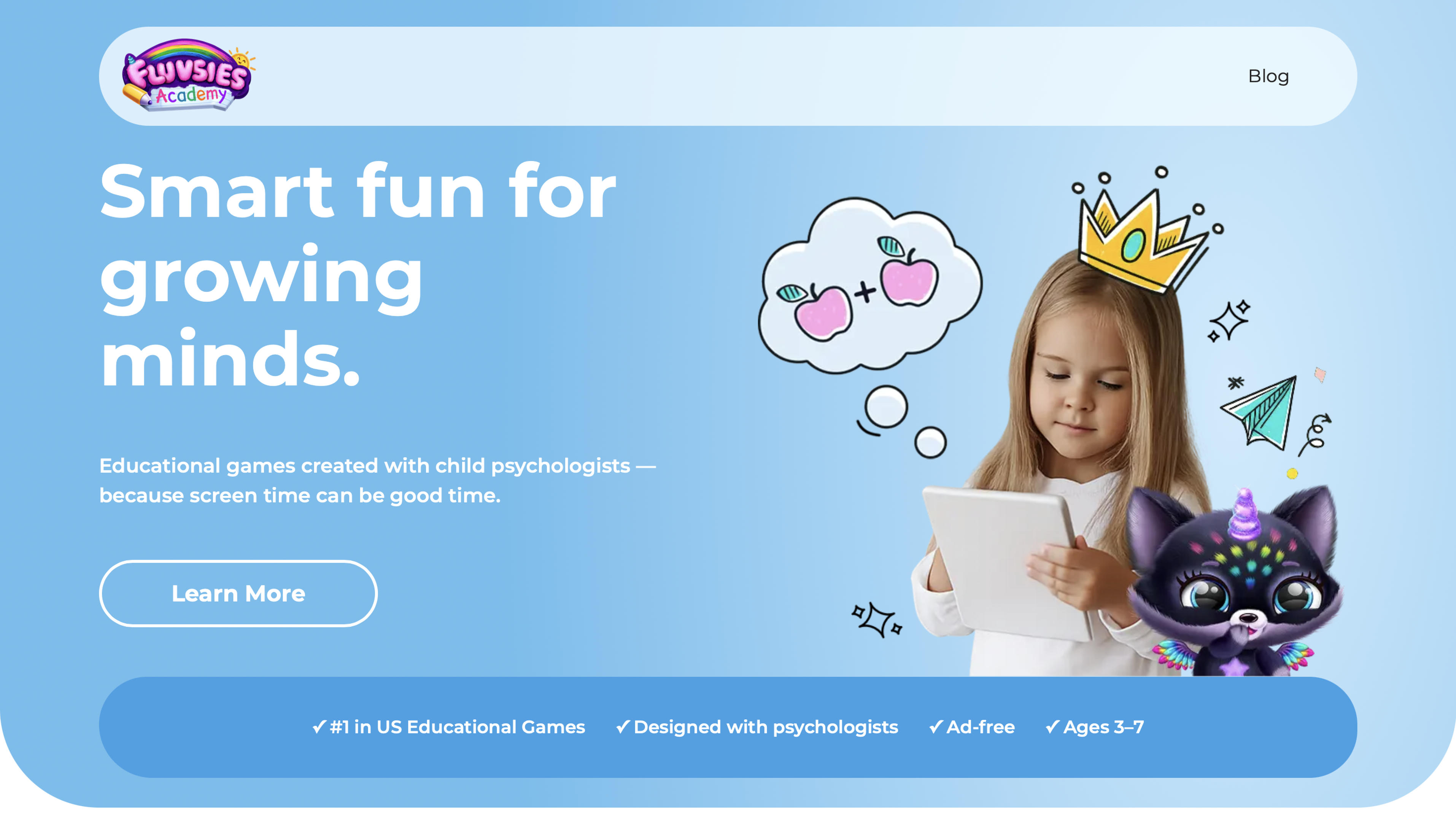
Fluvsies Academy stands out as the leading choice for parents who want screen time that truly supports growth. This holistic learning app turns everyday play into meaningful moments for children ages 3 to 7. Designed with child psychologists, it offers a safe, ad-free environment packed with vibrant characters and calm visuals.
Kids dive into language and phonics through stories that spark imagination. Number games build confidence with simple puzzles. Logic and attention activities sharpen focus while sorting tasks improve comparison skills. Life skills and creativity come alive as children explore professions such as bakers or astronauts and practice real routines like brushing teeth or helping at the store. Mindfulness, kids yoga, and healthy habits round out the experience so emotional safety stays front and center. Two learning modes balance active problem-solving with relaxing passive stories. Parents appreciate the progress reports that show clear growth without any pressure.
Discover Fluvsies Academy
Fluvsies Academy is a leading educational app designed for children aged 3–7. It transforms screen time into meaningful learning through fun, interactive games. Developed in collaboration with child psychologists, the app focuses on holistic development.
Key Features
- Ad-free environment for safe play.
- Games covering language, phonics, math, and logic.
- Activities for attention, sorting, and creativity.
- Real-world life skills like healthy habits and mindfulness.
- Exploration of professions to build vocabulary and imagination.
Educational Approach
Fluvsies Academy emphasizes guided play that balances focus, empathy, and emotional safety. It's the first holistic learning app for kids, ranked #1 educational game in the US. Progress reports help track your child's growth. Free printables extend learning beyond the screen.
Benefits for Families
Parents gain peace of mind with expert-backed games. Kids build confidence, skills, and a love for learning. Ideal for preschoolers seeking joyful education.
Try Fluvsies Academy today and watch your child thrive through joyful, expert-designed play.
Additional Tips for Successful Integration at Home
Pair learning app time with real-world activities. Talk about what your child played or try related crafts afterward. This reinforces learning and builds connections. Set routines around usage to create healthy boundaries. Short, regular sessions often work better than long marathons. Monitor reactions and adjust as needed. What works at one age might need updates as skills grow. Involve siblings or family members when possible to turn individual play into shared moments. Celebrate small wins to keep motivation strong.
Common Skill Areas in Quality Learning Apps
Language and phonics build reading readiness and vocabulary through story-based games and letter recognition. Numbers and math develop confidence with basics via counting puzzles and simple operations. Logic and attention sharpen focus and problem-solving for kids with pattern matching and gentle puzzles. Life skills support everyday habits and empathy through role-play professions and healthy routines. Creativity encourages imagination and expression with character adventures and open sorting tasks. This overview highlights areas many effective educational apps cover to support balanced development.
FAQ
What makes an app truly educational rather than just entertaining?
Educational apps go beyond fun by targeting specific skills through structured yet playful activities in areas like language, logic, math, and life skills. They provide feedback that helps children understand concepts and build on successes while adapting to each child's pace. Quality options use guided play with calm visuals and clear instructions to support focus and emotional safety. This approach turns screen time into meaningful growth that connects to real-world routines and encourages curiosity.
How can parents limit risks while using learning apps for kids?
Parents can limit risks by choosing online learning apps with strong privacy practices, no ads, and age-appropriate content designed for young children. Features like offline modes and parental controls allow better management of usage and review of activities. Apps developed with expert input on emotional well-being create safer spaces that prioritize focus over distractions. Combining these choices with family discussions about what children experience helps reinforce positive habits around technology.
Do all learning apps work the same across different ages in early childhood?
No, effectiveness depends on matching content to developmental stages, with simpler interactions suiting younger preschoolers and more complex challenges benefiting early elementary children. Fun apps that cover phonics, numbers, sorting, and life skills in guided play tend to align well with how young minds grow. Progress tracking and adaptive features help ensure activities remain engaging without causing frustration. This tailored approach supports steady skill development in language, focus, and creativity across varying needs.
What role should screen time with learning apps play alongside daily routines?
Screen time with the best learning apps for kids works best as one balanced part of a varied day that includes physical play, reading, and social interactions. Quality apps supplement hands-on experiences by reinforcing skills like logic, empathy, and healthy habits through short, rewarding sessions. Pairing digital activities with real-world talks or related crafts helps knowledge transfer more effectively. This integration supports overall growth while maintaining healthy boundaries that fit family life.
How do I know if a learning app benefits my child's development over time?
Signs that a learning app benefits development include increased curiosity, new vocabulary from phonics or profession explorations, and greater confidence in areas like numbers or problem-solving. Consistent engagement with features such as sorting tasks or logic puzzles often shows through improved focus during play and daily routines. Progress reports and extension printables provide additional ways to observe growth in attention, creativity, and life skills for kids. Adjustments based on your child's reactions keep the experience supportive as interests and abilities evolve.
Read Also:
- Best Educational Games App 2026
- Best Kids Learning Apps 2026
- Best Educational Games Online 2026
- Best Learning App for Kids 2026
- Best Educational Games for Kids Online 2026